


{{goods.model}}
CO2 Laser Cutting Machine Buying Guide: How to Choose the Right One
Choosing a CO2 laser cutting machine starts with understanding what you need to cut, how large your materials are, and how many parts you need to produce.
A machine for cutting customized acrylic signs has different requirements from one designed for manufacturing hundreds of identical wooden ornaments. Likewise, cutting large plywood sheets requires a different working area from processing printed fabric that needs automatic pattern recognition.
CATEKCNC offers four CO2 laser cutting solutions for these different applications.This guide explains how to choose between these machines, evaluate laser power and working area, and avoid common purchasing mistakes. More importantly, it helps you identify which machine configuration makes sense for your actual production requirements.
I. What Is a CO2 Laser Cutting Machine?
A CO2 laser cutting machine uses a carbon dioxide laser source to generate an infrared laser beam, typically with a wavelength of 10.6 μm. The beam is directed through an optical system and focused onto the material, where concentrated energy cuts or engraves the surface.
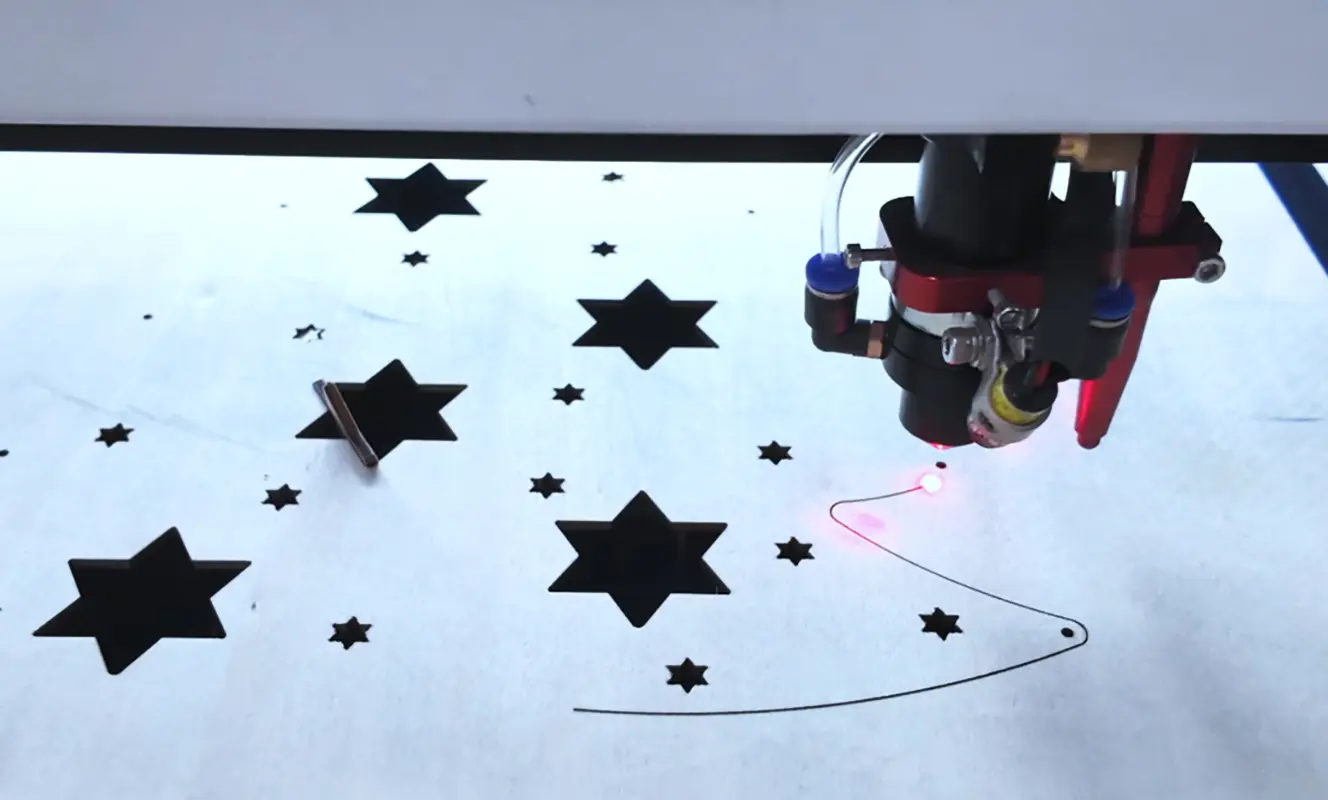
Because the laser processes materials without a conventional cutting tool contacting the workpiece, it can produce intricate shapes, narrow contours, and detailed patterns without requiring dedicated mechanical cutting dies.
CO2 laser machines are widely used for processing non-metallic materials, including acrylic, wood, plywood, MDF, paper, cardboard, leather, and suitable fabrics. Actual compatibility depends on the material's composition and the machine configuration.
How Does a CO2 Laser Cutting Machine Work?
The basic processing sequence involves three steps.
1. Prepare the design file.
The product drawing or artwork is imported into compatible laser software. Cutting paths, engraving areas, and processing parameters are configured according to the material and application.
2. Position the material.
The workpiece is placed on the machine's worktable. Its position, flatness, and dimensions must be suitable for the selected processing area.
3. Execute the cutting or engraving process.
The laser head follows the programmed path. Laser energy removes material along the cutting lines or creates marks on the surface.
Although the process sounds straightforward, the final result depends on several variables, including laser power, cutting speed, focus, material thickness, and exhaust performance.
For example, cutting a 3 mm acrylic sheet and engraving a detailed wooden pattern require different parameter settings. A machine that performs well on one material may need adjustment before processing another.
CO2 Laser Cutting vs. Laser Engraving
A CO2 laser cutter can often perform both cutting and engraving, but the two processes serve different purposes.
| Feature | Laser Cutting | Laser Engraving |
|---|---|---|
| Main purpose | Separating material or creating openings | Creating text, patterns, logos, or surface details |
| Processing depth | Usually passes through the material | Usually removes or marks part of the surface |
| Main considerations | Power, thickness, speed, focus, and edge quality | Resolution, motion control, power settings, and surface quality |
| Typical applications | Acrylic letters, wooden parts, panels, and product outlines | Logos, decorative patterns, personalized gifts, and text |
II. What Materials Can a CO2 Laser Cutting Machine Process?
A CO2 laser cutting machine is widely used to cut non-metallic materials into precise shapes, patterns, and components. The materials you can process depend on their thickness, density, surface characteristics, and the laser's power and configuration. Before choosing a machine, it's important to consider not only the material itself but also the cutting quality, edge finish, and production requirements.
1. Wood and Plywood
Wood is one of the most common materials processed by a CO2 laser cutter. Typical applications include wooden signs, decorative panels, model components, ornaments, personalized gifts, and craft products.
Common wood-based materials include:
- Plywood: Suitable for decorative designs, model-making components, signs, and customized products. Cutting performance depends on the wood species, adhesive layers, and plywood quality.
- MDF: Often used for signs, ornaments, decorative components, and craft products. Its density and thickness affect cutting speed and edge appearance.
- Natural wood: Suitable for personalized wooden products, decorative pieces, and small components. Different wood species can produce different cutting results because their density, resin content, and moisture levels vary.
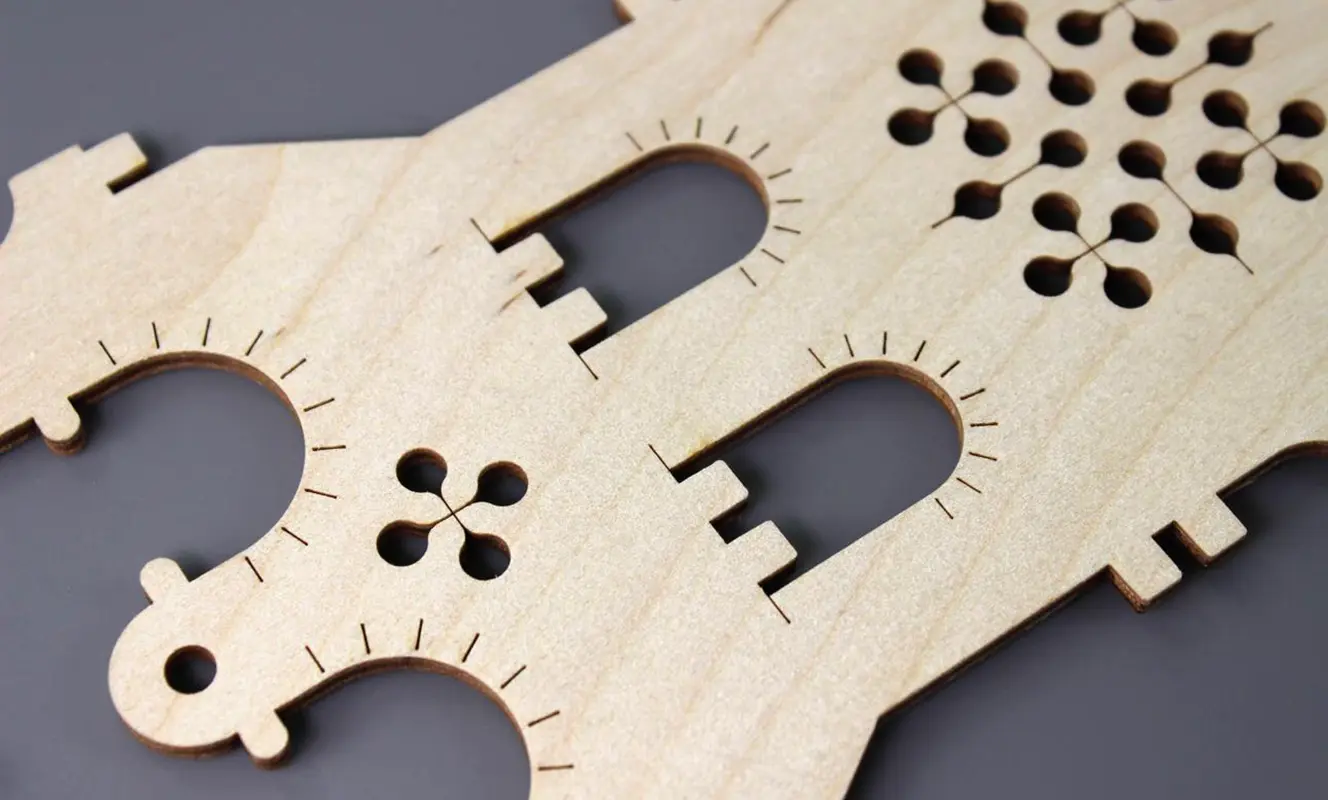
Laser cutting can create intricate patterns and detailed contours without requiring a physical cutting die. However, thicker wood generally requires more cutting time and may produce darker edges. Resin pockets, knots, adhesive layers, and variations in material thickness can also affect consistency.
2.Acrylic
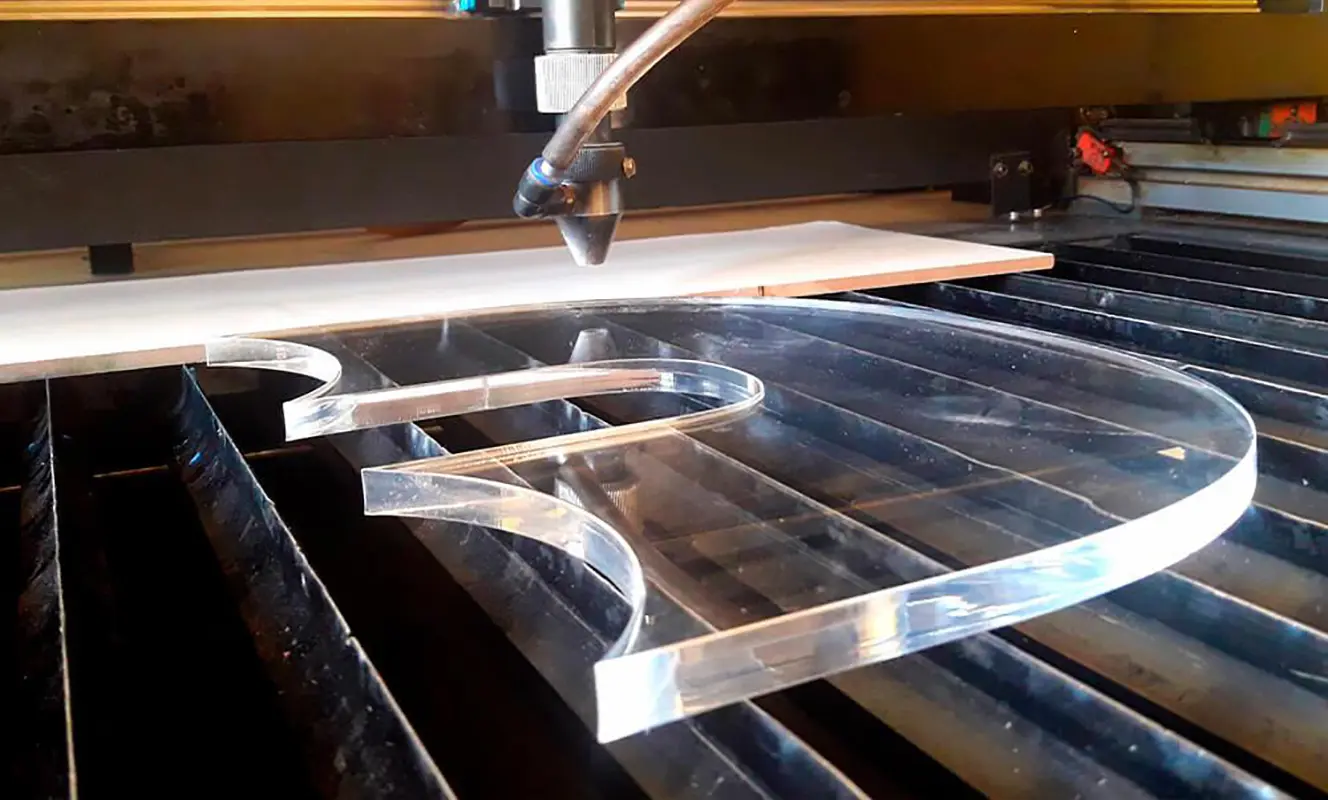
Acrylic is another major application for CO2 laser cutting machines, particularly in signage, advertising, display manufacturing, and customized products. With suitable settings, a CO2 laser can produce clean, smooth-looking edges on compatible acrylic sheets.
Typical applications include:
- Advertising signs and lettering: Cutting letters, logos, symbols, and decorative elements.
- Display products: Making product stands, display boxes, holders, and retail display components.
- Decorative panels: Producing layered designs, customized ornaments, and interior decoration elements.
- Customized gifts: Cutting nameplates, awards, tags, and personalized acrylic products.
Acrylic cutting results depend on the sheet's thickness, color, composition, and quality. Cast and extruded acrylic may behave differently during processing, so the appropriate settings should be established through testing.
3.Paper, Cardboard, and Packaging Materials
CO2 laser cutting is also suitable for many paper-based materials, making it useful for packaging development, printing, handicrafts, and product prototyping.
Common applications include:
- Paper: Intricate invitations, paper decorations, greeting cards, and creative designs.
- Cardboard: Packaging prototypes, inserts, display structures, and customized paperboard products.
- Corrugated cardboard: Sample packaging, structural prototypes, and small-batch packaging components, subject to material construction and cutting requirements.
One advantage of laser processing is that it can create complex contours without a dedicated die. This is particularly useful when producing samples, testing new packaging designs, or handling short production runs.
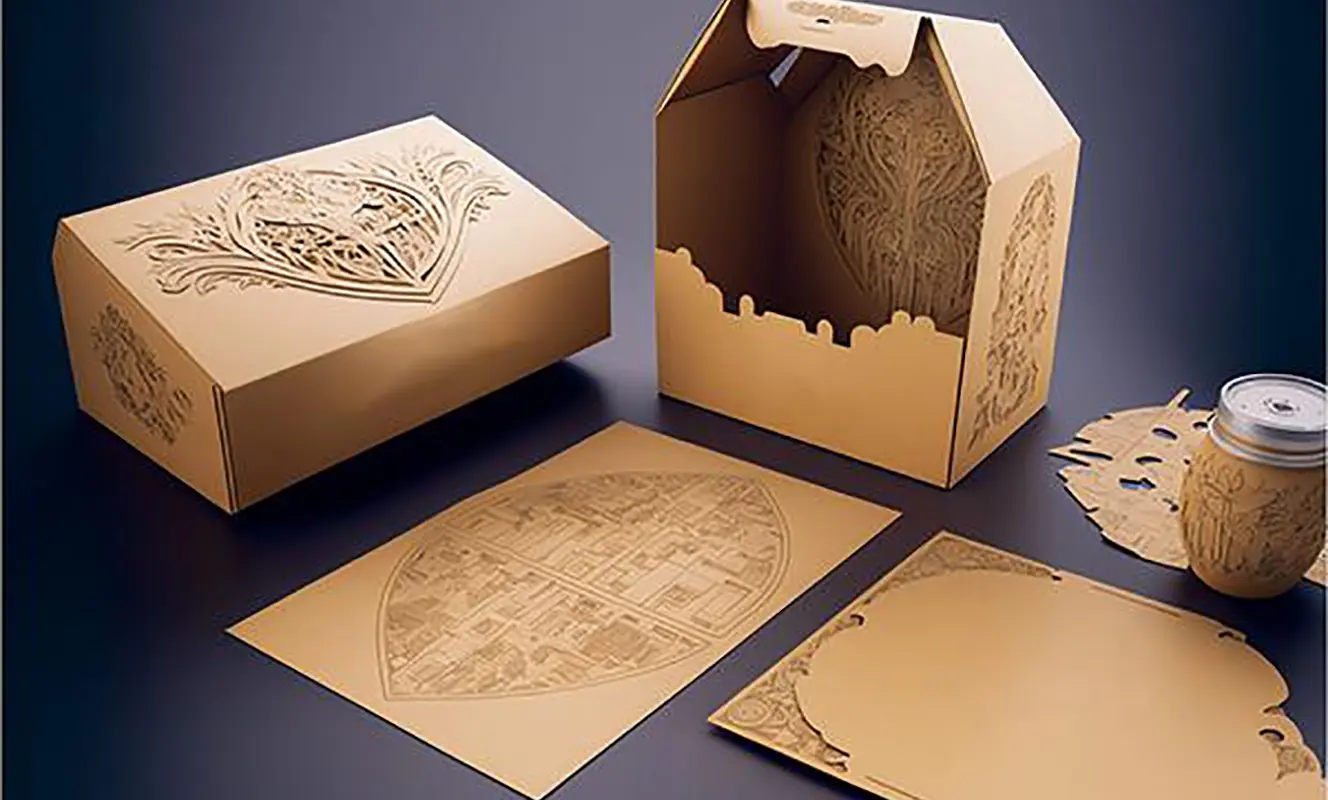
However, paper and cardboard are combustible materials. Excessive laser power, slow cutting speeds, or unsuitable settings can cause scorching, ignition, or uneven edges. Air assistance, effective fume extraction, appropriate parameter settings, and continuous supervision are important.If you mainly process thin paper, prioritize fine detail and stable control at low power. For thicker cardboard or corrugated materials, evaluate cutting depth, edge quality, and the consistency of the results across different layers.
4.Fabric and Leather
A CO2 laser cutting machine for fabric can be used in textile processing, garment accessories, handicrafts, and customized product manufacturing. Laser cutting is particularly useful when designs contain intricate shapes or require repeatable dimensions.
Suitable applications may include:
- Fabric and textiles: Cutting compatible cotton fabrics, felt, and other verified textile materials for garments, accessories, decorations, and craft products.
- Leather: Producing patterns, patches, accessories, and decorative components from compatible natural leather.
- Synthetic textiles: Processing selected synthetic fabrics, provided their composition is confirmed and the material is suitable for laser processing.
Laser cutting can reduce the need for physical cutting templates and make it easier to produce customized designs. Nevertheless, results vary according to fabric thickness, weave, color, moisture content, and heat sensitivity. Some materials may discolor, melt, curl, or develop sealed edges during cutting.
Material composition is especially important when processing synthetic textiles or coated fabrics. Confirm that the material is suitable for laser processing and that its fumes can be safely extracted. For fabric and leather production, assess not only cutting precision but also material handling. If you process large fabric sheets, flexible rolls, or repeated patterns, consider how the working area, feeding method, and worktable design will fit your production workflow.
5.Other Non-Metallic Materials
In addition to wood, acrylic, paper, fabric, and leather, a CO2 laser cutting machine can process certain other non-metallic materials when their composition and processing characteristics are suitable.
Examples include:
- Rubber sheets: Selected laser-compatible rubber materials for stamps, seals, and customized components.
- Foam materials: Certain verified foams for packaging inserts, models, and craft applications.
- Selected plastics: Certain laser-compatible plastic sheets used for signs, labels, and customized parts.
- Cork: Decorative products, coasters, gaskets, and craft components made from suitable cork sheets.
These materials should not be treated as universally compatible with CO2 laser cutting. Different formulations, coatings, additives, and backing materials can significantly affect cutting performance and emissions.
Before processing a new material, confirm its composition with the supplier and check the manufacturer's safety guidance. Conduct a controlled test to evaluate cutting quality, edge condition, smoke generation, and dimensional accuracy.
III.How to Choose the Right CO2 Laser Cutting Machine
Before choosing a CO2 laser cutting machine, calculate what actually limits your production: the time spent cutting, the time spent handling material, the size of the workpieces, or the difficulty of positioning each design. These factors determine whether you need a standard cutter, a dual-station machine, a larger worktable, or a vision-guided cutting system.
For example, if your business produces 200 acrylic signs per day, a larger worktable will not necessarily solve the problem if each sign needs to be positioned and unloaded individually. If you cut printed fabric, increasing laser power will not solve the problem of aligning the cutting path with the printed design. The right machine is the one that addresses your specific bottleneck.
1.Standard CO2 Laser Cutter
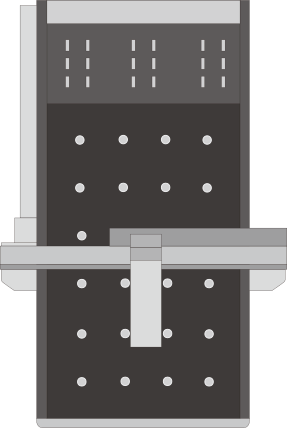
The CK-1390-C CO2 laser cutter has a 1300 x 900 mm working area and 80W-150W laser options. It supports cutting and engraving, with a choice of slat or honeycomb worktable. An electric lifting platform is available for applications that require additional flexibility.
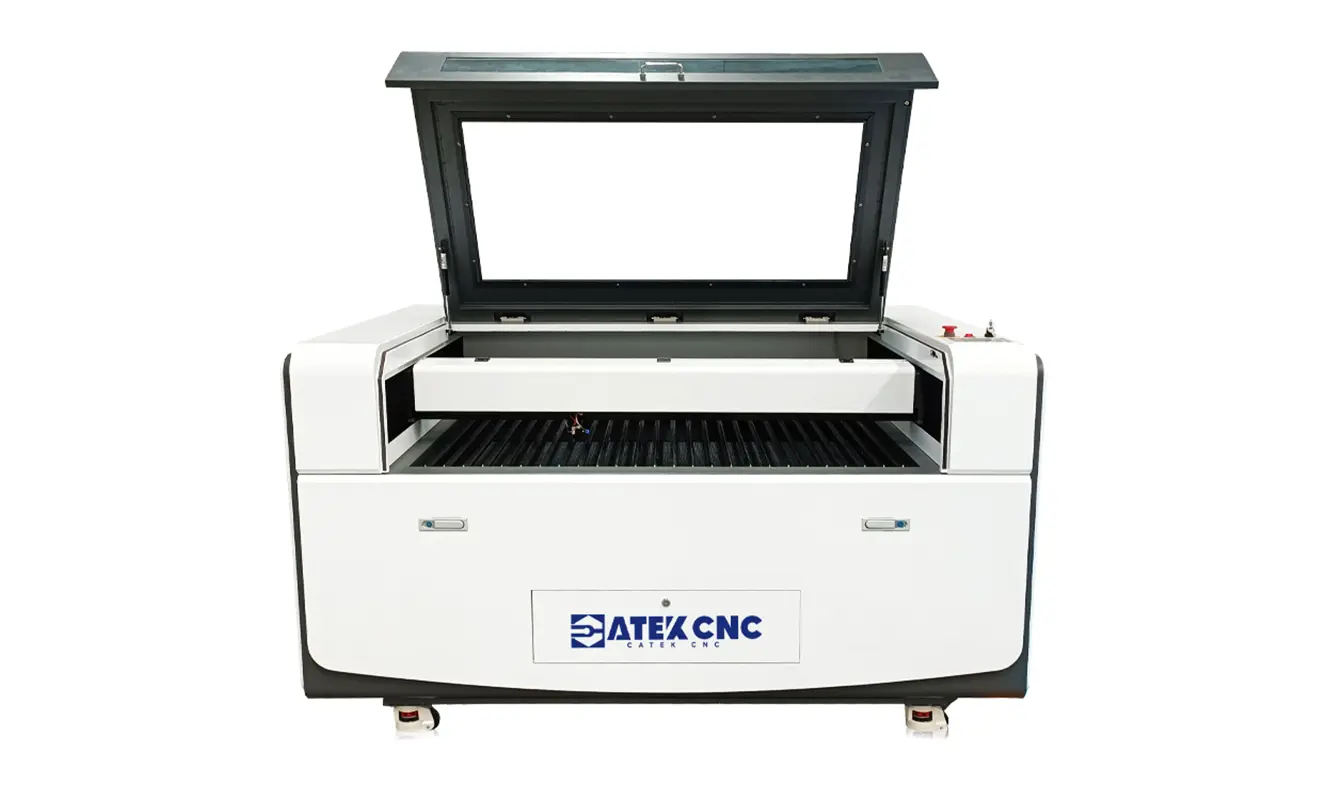
This model is best suited to businesses that need one machine for a variety of non-metallic products, such as acrylic signs, wooden decorations, plywood crafts, and customized components. Its main advantage is versatility: you can switch between cutting and engraving jobs without investing in a specialized production system.
The most important decision is choosing the right combination of laser power and worktable. For example, a sign maker who primarily cuts acrylic sheets and engraves small wooden products may prioritize clean edges and fine details. A workshop cutting thicker plywood more frequently should place greater emphasis on cutting performance and material thickness. In either case, request a sample test using your actual material before selecting the laser configuration.
The worktable also affects the result. A slat table is generally useful for cutting rigid sheets because it supports the material while allowing debris and heat to dissipate.
Choose the CK-1390-C when your priority is flexibility across different products and order types. If your main requirement is to produce two identical parts simultaneously, consider using the dual-station CO2 laser cutting machine described below.
2.Dual-Station CO2 Laser Cutter
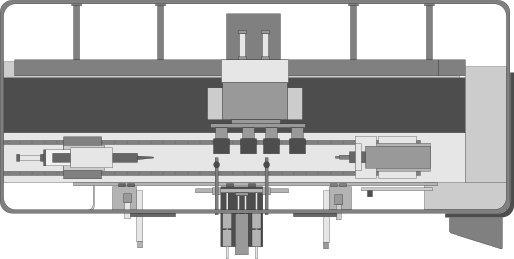
The CK-1390-2C dual-station CO2 laser cutting machine also features a 1300 x 900 mm working area, but it utilizes two independent laser heads and laser systems.Its key advantage is the ability to process two identical products simultaneously, making it particularly suitable for batch production.
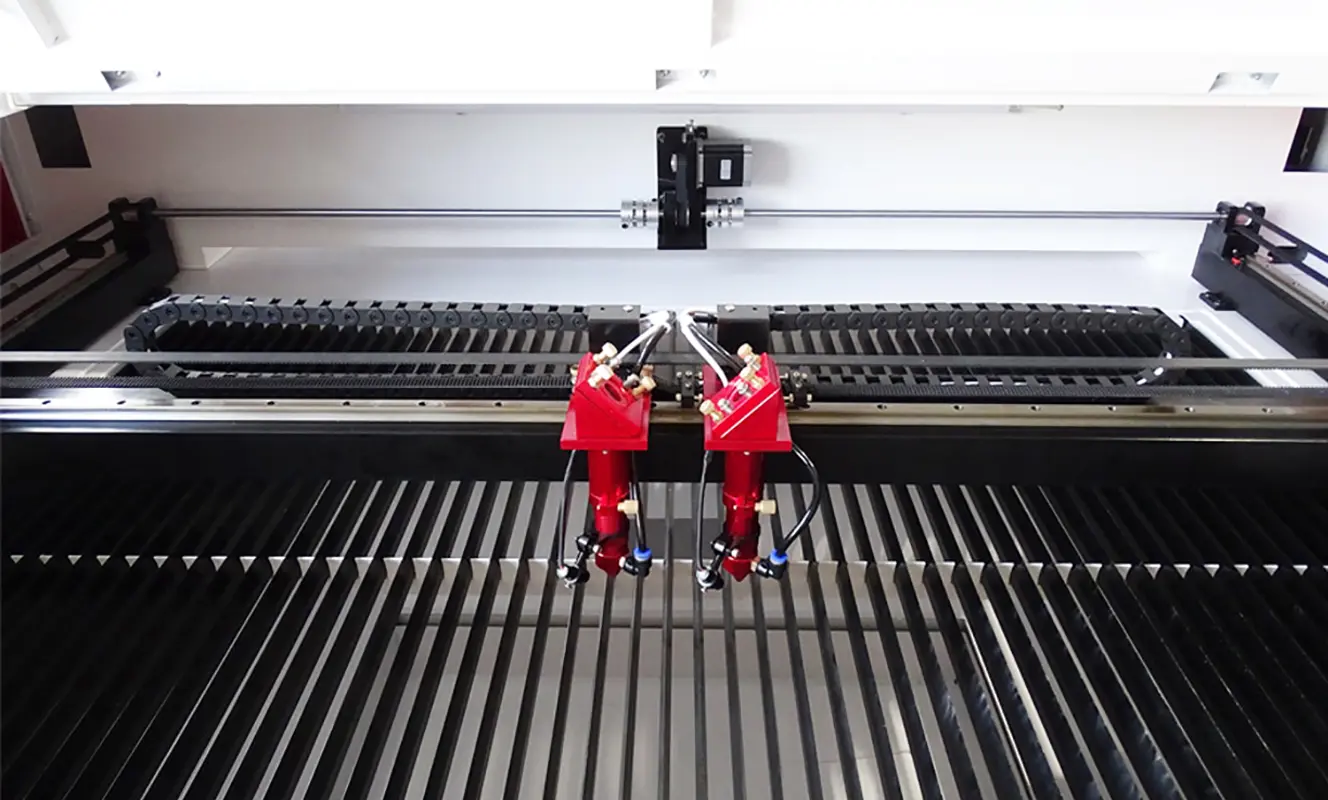
This configuration is worth considering when you repeatedly manufacture the same design, such as acrylic signs, wooden ornaments, leather accessories, or other compatible components. Rather than using two separate machines, you can run two identical processing tasks on one machine, provided the workpieces and cutting files suit the dual-head arrangement.
The benefit is greatest when both heads can follow similar cutting paths and the workpieces can be positioned efficiently. For example, if you manufacture a large batch of identical acrylic nameplates, both heads can cut separate pieces at the same time. However, if the design for every order is different, this advantage of a dual-station laser cutting machine is diminished.
The CK-1390-2C is the more targeted choice for repetitive production where increasing output from the same design is more important than accommodating larger sheets. If your parts are too large for the 1300 × 900 mm working area, a dual-head configuration will not overcome this limitation; in such cases, a laser cutting machine with a larger working area is required.
3.Large-Format CO2 Laser Cutter
The CK-1325-C CO2 laser cutting machine has a working area of 1300 × 2500 mm, making it suitable for businesses that need to cut large sheets of wood, acrylic, and other compatible non-metallic materials.
Compared with the CK-1390-C, which has a 1300 × 900 mm working area, the CK-1325-C provides more space for larger designs and batch production. It is a good choice for sign manufacturers, woodworking businesses, and acrylic product manufacturers that regularly process large panels.
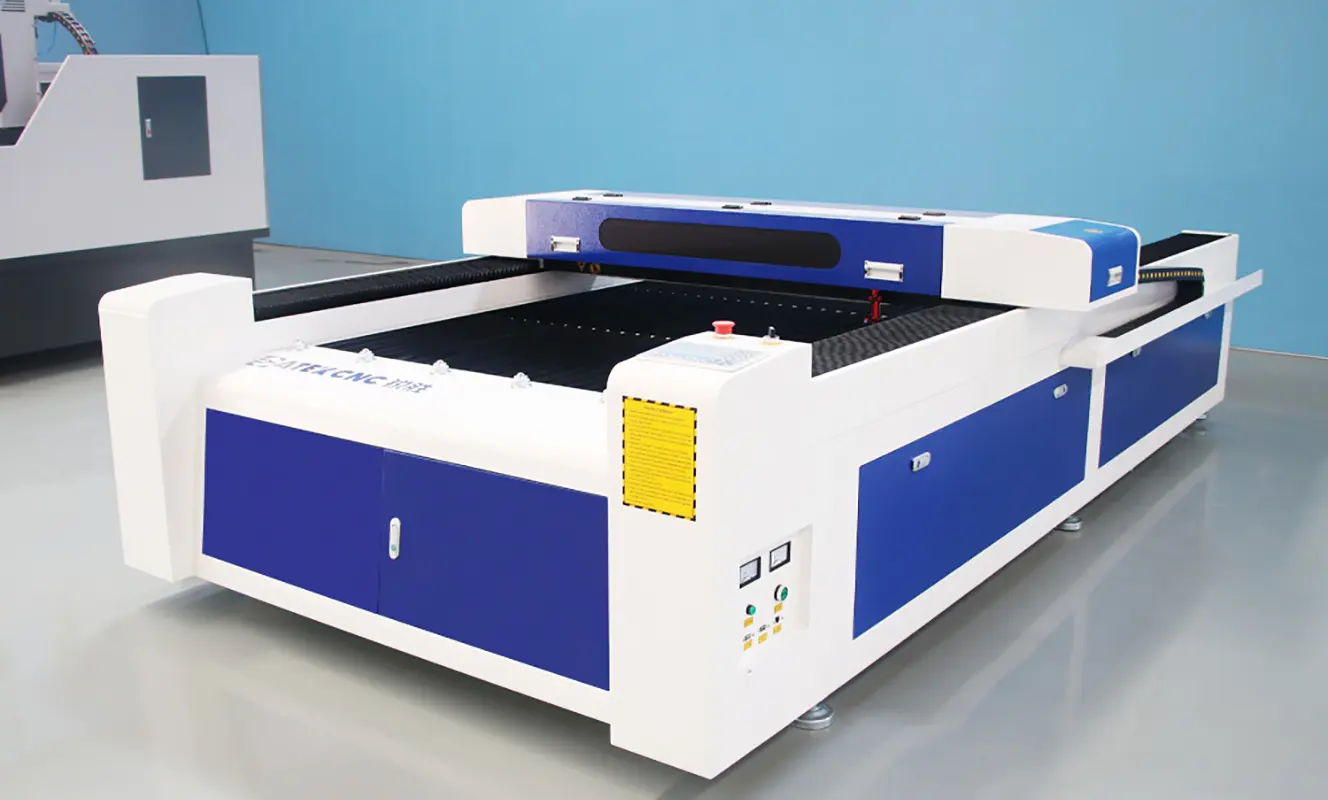
For example, if you produce acrylic signs, decorative wooden panels, or multiple components from the same sheet, the larger working area lets you arrange more parts in one cutting job. This can reduce the need to reposition materials and make production more efficient.
Before choosing a large-format CO2 laser cutter, consider the size of your raw materials and the products you make most often. If you regularly work with 4 × 8 ft sheets, the CK-1325-C is worth considering. If you mainly produce small signs, ornaments, or customized gifts, a smaller machine may be sufficient.
Laser power is another important factor. The right configuration depends on your material type, thickness, and required cutting speed. Ask the manufacturer to test your materials before purchasing to confirm that the machine can deliver the cutting quality you need.
4.Vision CO2 Laser Cutter with Conveyor
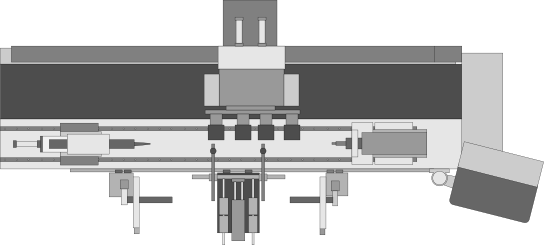
The CK-1815-CCD vision CO2 laser cutting machine is designed for businesses that need to cut printed patterns, fabric pieces, and other materials that require accurate pattern recognition. It combines a camera vision system with a conveyor table, making it suitable for continuous production and flexible material processing.
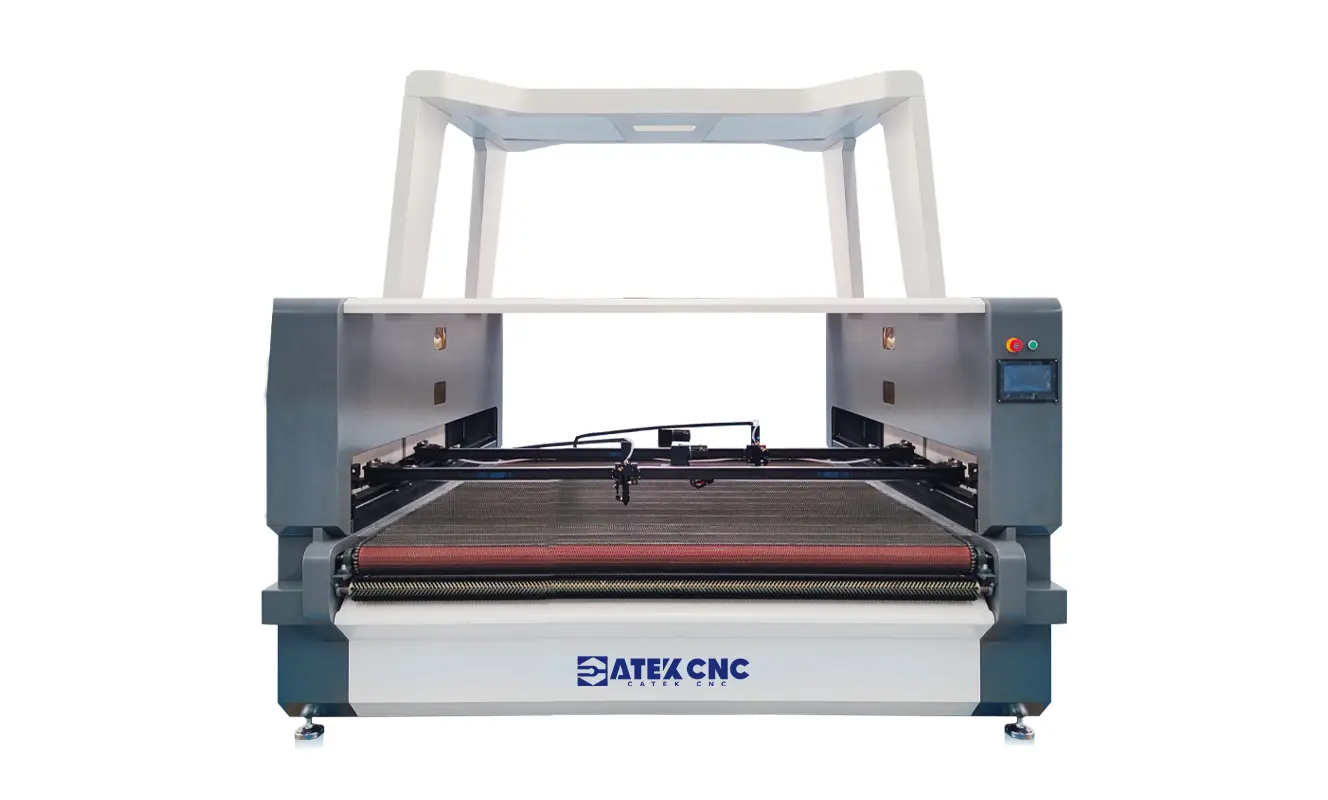
The camera system identifies printed patterns or cutting outlines, helping the machine follow the correct cutting paths. This is especially useful for fabric cutting, garment accessories, printed materials, and customized products where designs may vary from one piece to another.
The conveyor table moves materials through the cutting area, reducing the need for manual repositioning and supporting a smoother production workflow. With four laser heads arranged across two beams, the machine can also improve cutting efficiency. The two heads on the same beam can cut identical patterns simultaneously, while the two beams can handle different tasks independently.
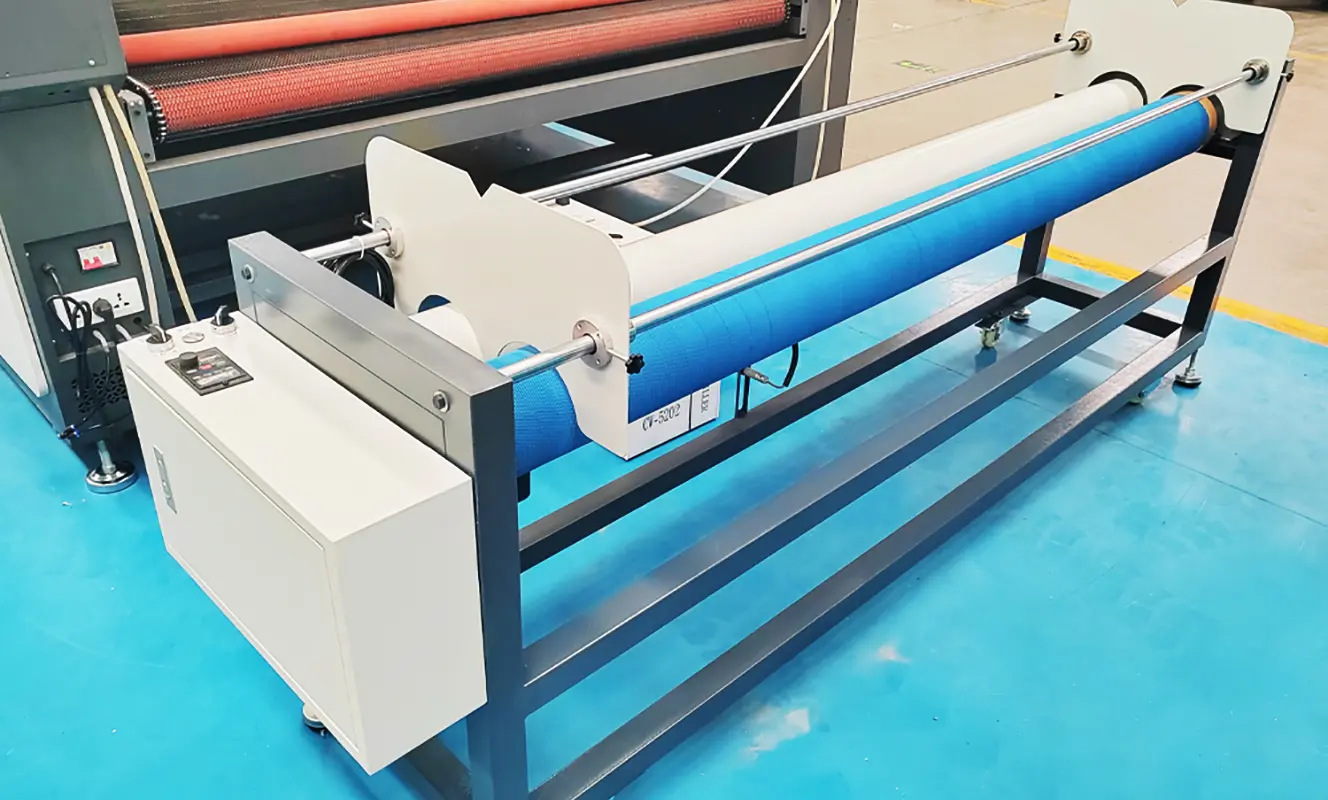
When choosing a vision CO2 laser cutter, consider the type of material you process, the size of your patterns, and your daily production volume. The right laser power and camera configuration will depend on your specific application, so it is best to test your materials and designs before purchasing.
The CK-1815-CCD is worth considering if you need camera-guided cutting, conveyor feeding, and higher production efficiency in one machine.
5. Comparing four different CO2 laser cutting machines
| Selection factor | CK-1390-C | CK-1390-2C | CK-1325-C | CK-1815-CCD |
|---|---|---|---|---|
| Working area | 1300 × 900 mm | 1300 × 900 mm | 1300 × 2500 mm | 1800 × 1500 mm |
| Main configuration | Standard cutting and engraving | Two independent laser heads | Large-format cutting and engraving | Vision recognition and conveyor feeding |
| Primary production need | Flexible, mixed orders | Repetitive batch production | Large sheets and oversized parts | Pattern recognition and material feeding |
| Main benefit | Versatility | Simultaneous processing | Larger working area | Automated alignment |
| Main consideration | Part dimensions and job variety | Utilization of both stations | Workshop space and sheet handling | Material compatibility and recognition accuracy |
IV. How to Choose the Right Laser Power
Laser power affects cutting capability, but the right configuration should be selected based on your material, thickness, required cutting speed, and desired edge quality.
1. Identify the Thickest Material You Process Regularly
Choose a laser power configuration based on your actual production requirements rather than the easiest material to cut.
2. Determine Your Required Production Speed
If you need to produce hundreds of parts per shift, a machine that can only cut the material at a very low speed may not meet your production requirements.
3. Define Your Cutting Quality Requirements
Decorative products may require smooth, clean edges, while components that will be hidden during assembly may have different finishing requirements.
4. Request a Cutting Test
Provide the manufacturer with your material and required thickness. Evaluate the cutting results, edge appearance, dimensional accuracy, and processing time.
Choosing the right laser power is only one part of achieving good cutting results. You also need to understand how to adjust cutting speed, laser power, and other processing parameters for different materials. For more practical advice, read our guide on [How to Use a CO2 Laser Cutting Machine].
V. Common Mistakes to Avoid When Buying a CO2 Laser Cutting Machine
Buying a CO2 laser cutting machine is an important investment, especially for businesses that rely on consistent cutting quality and production efficiency. Choosing a machine based only on price or laser power can lead to unnecessary costs.
Here are five common mistakes to avoid before placing your order.
1. Choosing a Machine Based on Price Alone
A low purchase price may seem attractive, but it does not always mean lower long-term costs. A machine that struggles to meet your production requirements can result in slower processing, more downtime, and additional maintenance expenses.
When comparing CO2 laser cutters, consider the complete package, including machine configuration, laser source, control system, technical support, spare parts availability, and warranty terms.
Tip: Compare machines based on their ability to handle your actual workload, not just their initial price.
2. Overlooking the Working Area
The working area determines the maximum material size the machine can accommodate in a single setup. Choosing a machine that is too small may require you to reposition materials or divide designs into multiple jobs, reducing efficiency. Before purchasing, consider both the dimensions of your raw materials and the size of the finished products you manufacture most frequently.
3. Choosing the Wrong Laser Power
Higher laser power is not always the best choice. The right configuration depends on your material type, thickness, required cutting speed, and production volume.
If the laser power is insufficient for your daily production needs, cutting may be too slow or fail to deliver clean, smooth edges. On the other hand, choosing a higher-power configuration than necessary may increase your initial investment without significantly improving production efficiency.
Tip: Ask the manufacturer to test the material thicknesses you process most frequently. Evaluate the cutting speed and finished quality before deciding on the appropriate laser power.
4. Overlooking Production Efficiency and Automation
A standard CO2 laser cutting machine may be sufficient for customized orders and small-batch production. However, businesses processing large quantities of identical products or flexible materials may benefit from additional features.
For example:
- Dual laser heads: Can process identical patterns simultaneously, depending on the machine configuration.
- Camera vision recognition: Helps identify printed patterns and align cutting paths.
- Conveyor feeding: Supports continuous material feeding and reduces the need for manual repositioning.
- Larger working area: Allows larger sheets or more parts to be processed in a single setup.
Before choosing a machine, identify the main bottlenecks in your production process. Investing in the right configuration can bring greater value than simply choosing a machine with higher laser power.
5.Overlooking Installation and After-Sales Support
A CO2 laser cutting machine requires more than just sufficient floor space. You also need a suitable power supply, an exhaust ventilation system, cooling equipment where necessary, and a safe working environment.
Before placing your order, confirm the machine's installation requirements and ask the manufacturer what support is available for installation, operation, maintenance, and troubleshooting.
It is also worth checking the availability of consumables and replacement parts, how technical support is provided, and whether operating instructions are available in a language your team can understand.
The best CO2 laser cutting machine should match your material requirements, production goals, workshop conditions, and long-term operating budget. Taking the time to confirm these details before purchasing can help you avoid costly mistakes.
VI.How to Prepare Your Workshop Before a CO2 Laser Cutting Machine Arrives
Preparing your workshop before delivery can make installation smoother and help you get your machine into production sooner. Before your CO2 laser cutting machine arrives, confirm the following requirements with your supplier.
1. Check the Installation Space
Start by measuring the available floor space and comparing it with the overall dimensions of the machine.
Keep in mind that the installation area needs to accommodate more than just the machine itself. You should also leave enough room for loading and unloading materials, opening access panels, performing maintenance, and moving finished products.
Before finalizing the workshop layout, confirm the machine dimensions and recommended maintenance clearance with the manufacturer.
2. Confirm the Power Supply Requirements
Different CO2 laser cutting machines may have different electrical requirements depending on their laser power, cooling equipment, and other components.
Before delivery, confirm the required voltage, phase, frequency, and electrical capacity for your specific machine configuration. Make sure your workshop's electrical system can support both the machine and its auxiliary equipment.
If necessary, arrange for a qualified electrician to handle the wiring. Proper grounding and suitable electrical protection should also be provided in accordance with the manufacturer's instructions and local regulations.
3. Prepare the Exhaust Ventilation System
Laser cutting can produce smoke, fumes, and airborne particles. The amount and type of emissions depend on the material being processed, so having a suitable exhaust system is essential.
Before the machine arrives, confirm the exhaust requirements with your supplier, including the recommended airflow, duct diameter, exhaust outlet position, and any additional filtration equipment needed.
Plan the ducting route in advance to avoid unnecessary bends or installation conflicts. Where necessary, install a suitable filtration system and ensure that emissions are discharged in accordance with local environmental and workplace safety regulations. Only process materials that the machine manufacturer confirms are suitable for laser cutting. Some materials may release hazardous fumes when heated.
4. Arrange the Cooling System
Many CO2 laser cutting machines require a water chiller or another specified cooling system to maintain the laser source at a suitable operating temperature.
Before installation, confirm the recommended cooling equipment, cooling capacity, water requirements, and operating temperature range. Also, check the space needed to position the chiller and make sure there is adequate ventilation around it.
Follow the manufacturer's instructions for coolant selection, circulation, and maintenance. Do not operate the machine if its required cooling system is not functioning properly.
5. Prepare Material Storage and Handling Areas
An organized material storage area can improve production efficiency and help keep your workshop safe. Store raw materials separately from finished products, and make sure frequently used materials can be moved to the machine without blocking walkways or access points.
For large sheets of acrylic, plywood, or MDF, consider how they will be lifted and positioned on the worktable. If you regularly process fabric or other flexible materials, allow enough space for material rolls, feeding, and collection.
Keep flammable materials away from the laser cutting area and follow the manufacturer's fire prevention recommendations.
6. Check Computer and Software Compatibility
Before delivery, confirm which design software and file formats are supported by the machine's control system.
Prepare a computer that meets the software requirements, and check how it will connect to the machine. If your machine is equipped with a camera vision system, ask the manufacturer whether any additional software, calibration, or setup procedures are required.
It is also helpful to prepare a few sample cutting files in advance. This allows your team to become familiar with the operating workflow and makes the initial testing process more efficient.
VII.FAQ
1. What file formats are commonly used for CO2 laser cutting?
CO2 laser cutting machines commonly work with vector graphics and design files such as DXF, AI, PLT, and SVG, depending on the control system and software.Vector files are particularly useful for cutting because they define paths that the laser head can follow. Raster image formats such as BMP, JPG, and PNG are more commonly used for engraving.
Before preparing your production files, check which formats your machine supports and whether the design software requires specific settings for importing and processing drawings.
2. What Is the difference between laser cutting and laser engraving?
Laser cutting and laser engraving use the same laser technology but serve different purposes. Laser cutting uses sufficient laser energy to penetrate the material and separate it along a defined path. Laser engraving removes or modifies the material's surface to create text, patterns, logos, or decorative details without cutting through the entire workpiece.
Some CO2 laser machines support both functions, allowing manufacturers to produce items such as engraved acrylic signs, wooden decorations, nameplates, and customized gifts.
3.Can a CO2 laser cutting machine operate continuously?
A CO2 laser cutting machine can be used for extended production runs, provided it is properly configured and operated within the manufacturer's recommended conditions. For continuous production, the cooling system, exhaust ventilation, electrical supply, and mechanical components must all work reliably. Operators should also monitor the machine during operation and follow the recommended inspection and maintenance schedule.
Actual operating time depends on the machine configuration, workload, and working environment. Consult the manufacturer for guidance on suitable operating cycles for your specific model.
4.Can a CO2 laser cutting machine be customized for different production needs?
Yes. A CO2 laser cutting machine can be configured to suit different materials, product sizes, and production processes. For example, you can choose a larger working area for oversized materials, add multiple laser heads for batch processing, or equip the machine with a camera vision system and conveyor table for cutting printed patterns and flexible materials. Depending on your specific application, you may also want to consider other customization options.
VIII.Conclusion
Choosing the right CO2 laser cutting machine starts with understanding your materials, production requirements, and business goals. From working area and laser power to cutting speed and automation features, every configuration should match the way you work.At CATEKCNC, we offer different CO2 laser cutting machine solutions for a wide range of applications. If you are unsure which model is right for your business, contact our team with your material samples and processing requirements. We can help you evaluate suitable configurations and find a machine that fits your production needs and budget.
RELATED MODELS
We recommend some related models for you...
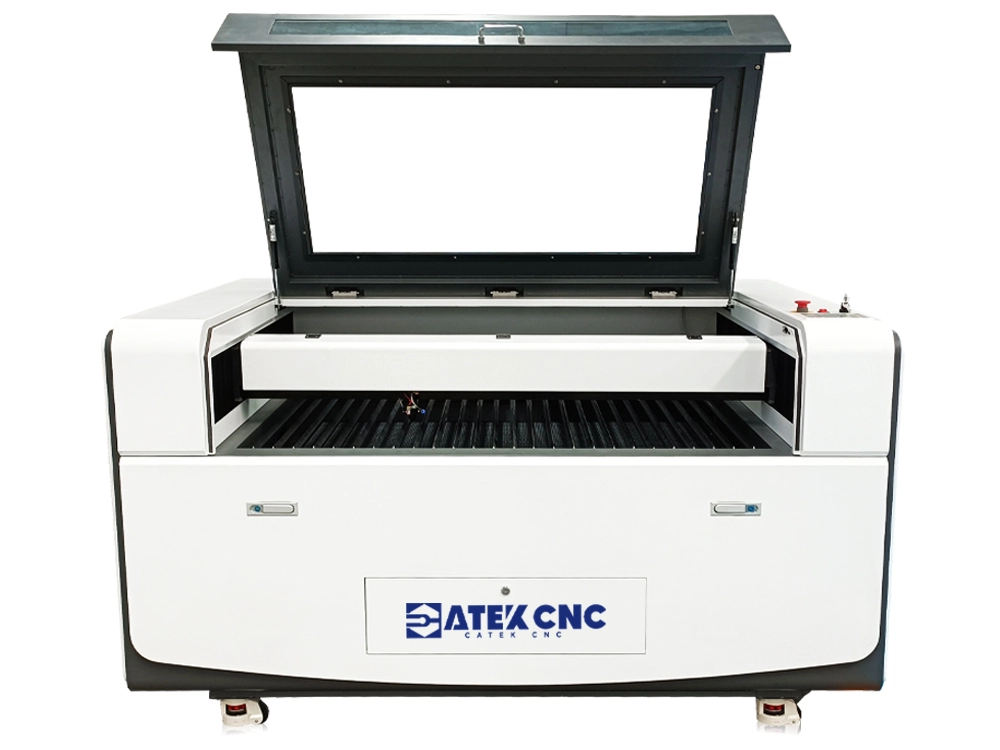
The CO2 laser cutting and engraving machine is a type of equipment that utilizes a CO2 laser as its laser source to process materials. It emits laser beams with a wavelength of 10.6μm, designed for precision cutting and engraving of non-metallic materials such as acrylic, plastic, bamboo/wood, glass, ceramics, crystal, and rubber. Typical applications include wooden jigsaw puzzles, acrylic signage letters, wooden logos, seals, etc.
$2,650.00~$4,050.00
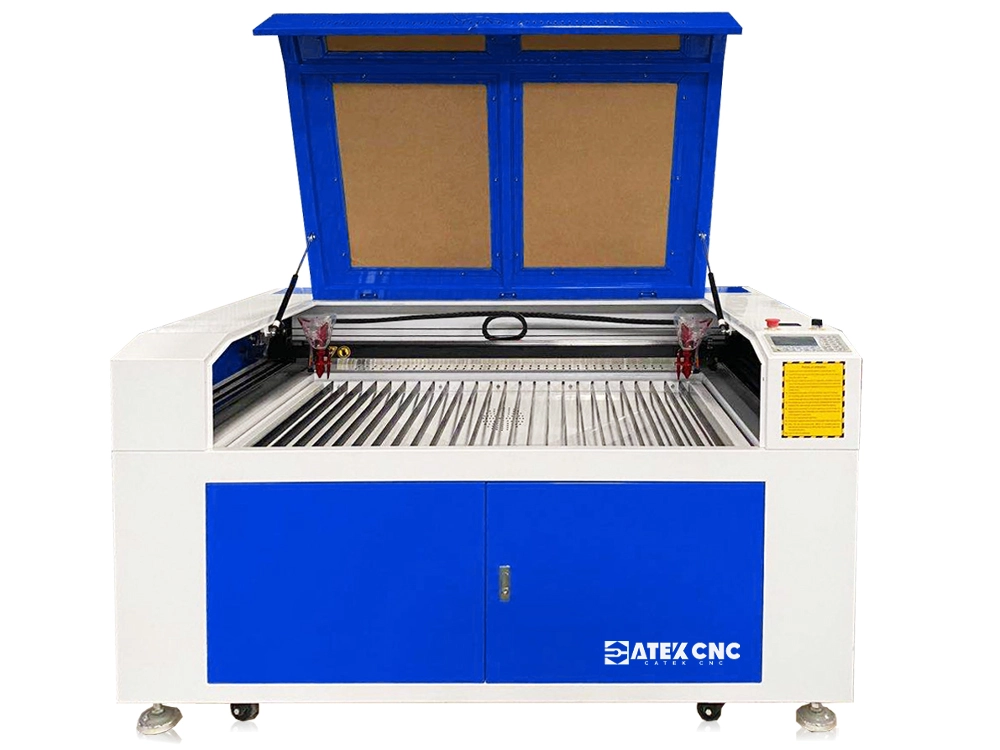
This machine features two identical processing stations, each equipped with an independent laser head, allowing the simultaneous processing of two identical products. It can be selected with 80W, 100W, and 150W lasers, and is widely used for cutting wood, acrylic, leather, epoxy resin, PE, PP, PVC, carbon fiber and other materials.
$3,400.00~$6,250.00
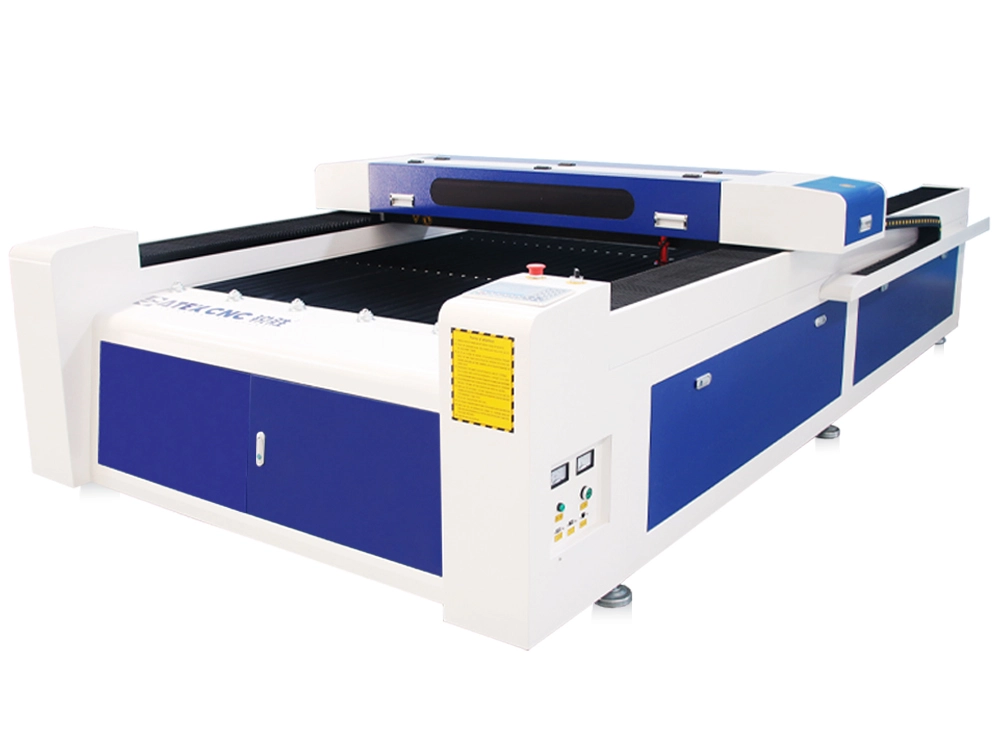
CK-1325-C is a full-size CNC CO2 laser cutting machine with a size of 4*8 feet. It is controlled by a CNC system and can support the switching of laser cutting and laser engraving working modes. A product can also be processed by laser engraving and cutting at the same time. The Y-axis of the laser machine uses a gantry-type dual-drive structure to ensure stable operation. It uses a sealed CO2 laser generator and is cooled with an S&A water-cooled circulation system. It can work continuously for...
$3,850.00~$4,580.00
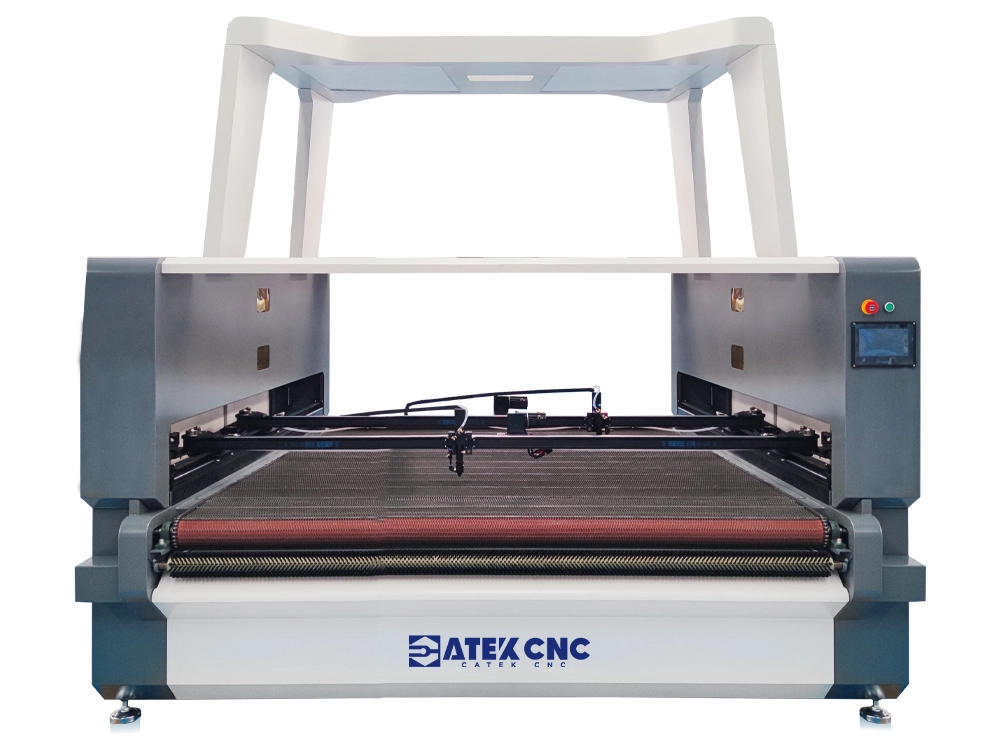
This is a CO2 laser cutting machine that integrates a camera with a conveyor belt processing platform. The camera can precisely capture and identify the position, angle, size, and shape of materials on the worktable, enabling automatic and rapid cutting of irregularly shaped materials. The conveyor belt automatically transports materials to the engraving area and can easily connect with upstream and downstream production lines, making it highly suitable for large-scale factory assembly line mach...
$8,250.00~$9,270.00