


{{goods.model}}
How to Avoid Bad Cutting Edges When Using a CNC Router
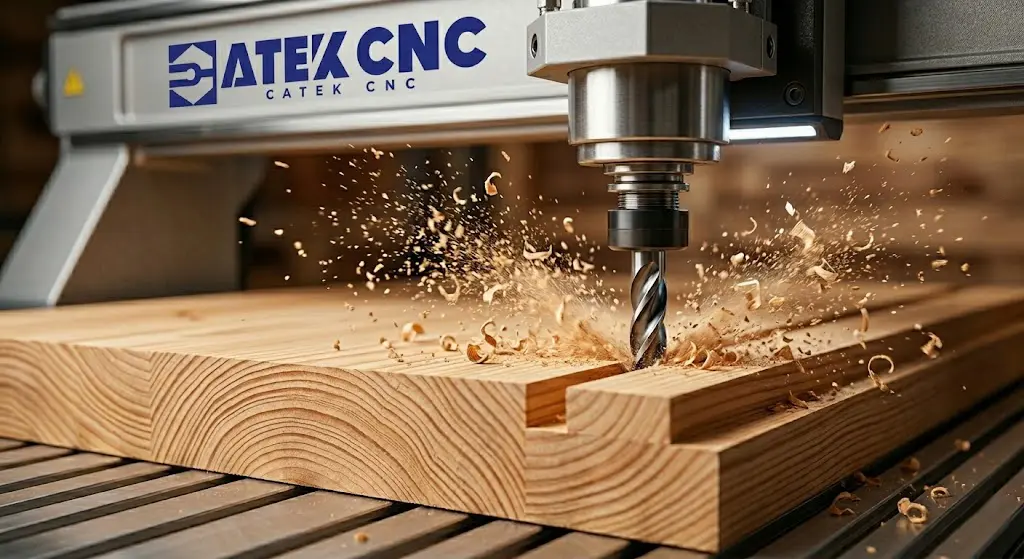
Poor cut edges affect more than just the appearance of your final product. When using a CNC router, poor edge quality can also lead to reduced accuracy and assembly problems between parts. No one wants to spend hours designing, setting up, and programming, only to end up with rough, burnt, or melted edges.
Common issues by material:
- Solid wood: chipping, tearing, fuzzing
- MDF / plywood: fuzzy edges, dark burn marks
- Acrylic / plastic: melted edges, cloudy finish, burrs
This article dives into the root causes of poor cut edges and provides practical solutions across multiple areas, including tool selection, cutting direction, speed and feed settings, depth of cut strategies, workholding, and vibration control. Whether you're working with solid wood, MDF, or acrylic, whether you're a beginner or an experienced CNC wood router user, you'll find actionable tips to achieve cleaner, more precise cut edges.
I. Quick Reference: Cutting Edge Problems & Causes
| Symptom | Possible Cause |
|---|---|
| Solid wood chipping or tearing | Wrong cutting direction / Dull tool / Feed rate too high |
| Solid wood burn marks or blackening | Spindle speed too high / Feed rate too low |
| MDF fuzzy edges | Wrong tool type |
| MDF blackened or burnt edges | Spindle speed too high / Resin burning |
| Acrylic melting or balling up | Heat buildup / No cooling / Feed rate too low |
| Acrylic cloudy or white edges | Dull tool / Feed rate too low |
| Uneven edges or stepping | Material movement / Machine backlash |
| Rippled or faceted edges | Poor data quality / Vector issues |
II. Tool Selection
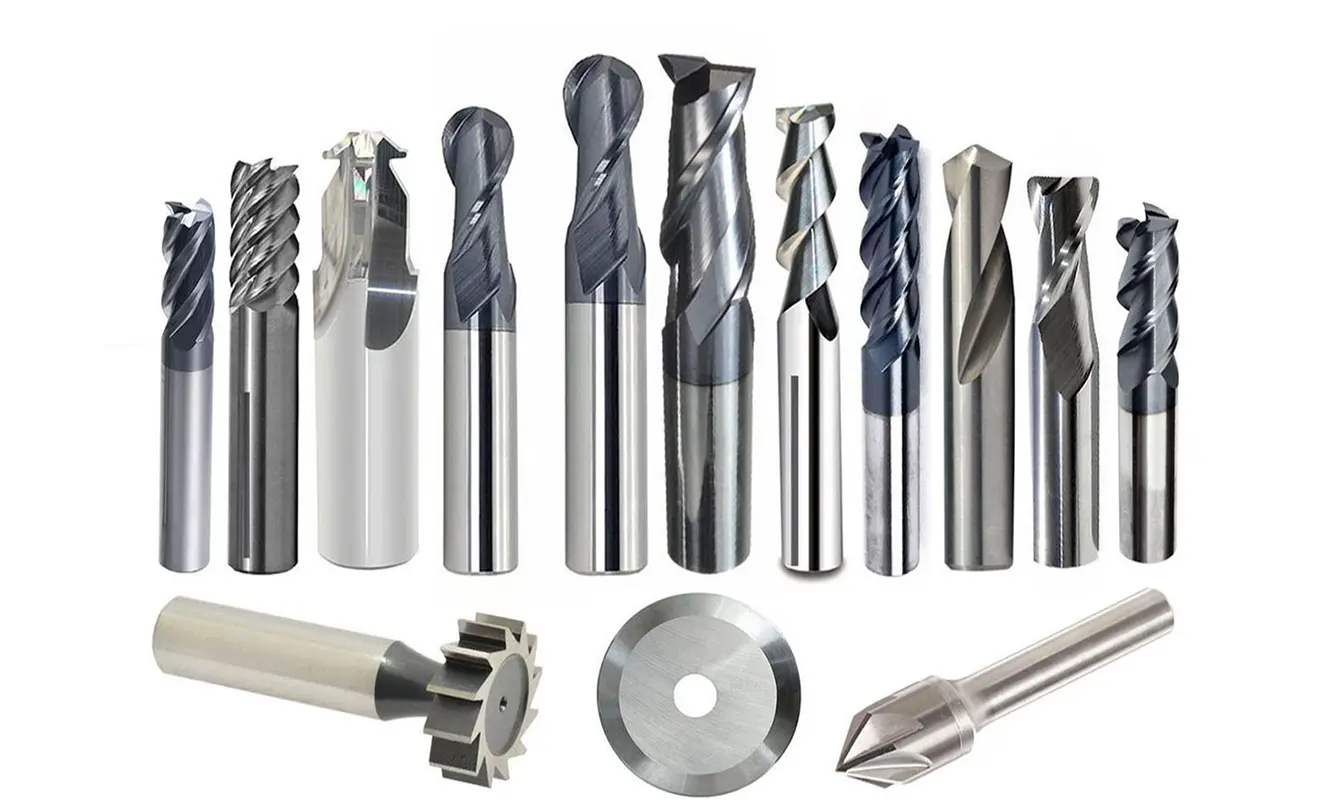
Whether you are using a standard CNC router or a router wood CNC, selecting the right tool is the first step.
1.General Principles
- When machining solid wood, use sharp spiral tools to reduce fiber tearing and chipping.
- When machining MDF, select wear-resistant carbide tools to help minimize fuzzy edges.
- When machining acrylic, use single-flute tools with smooth chip evacuation to effectively prevent material melting.
2.Tool Sharpness
Industry consensus: A dull tool equals friction, friction equals heat, and heat equals poor edge quality.
Signs of a dull tool:
- Cutting sound becomes louder or changes pitch
- Sudden burrs appear on edges (where there were none before)
- Increased spindle load (if shown on the controller)
As a rule of thumb (varies by material and usage): Replace the tool every 8–10 hours of cutting time. MDF wears tools faster and may require more frequent replacement.
3.Tool Diameter Selection
| Tool Diameter | Application | Notes |
|---|---|---|
| 1-3mm | Fine carving, relief engraving | More prone to breakage |
| 4-6mm | Everyday cutting | Best balance |
| 8-12mm | Roughing, fast material removal | Switch to a smaller tool for finishing after roughing |
III. Cutting Direction: Climb Milling vs Conventional Milling
1.Definition
For CNC router users, understanding the difference between climb milling and conventional milling is the foundation for achieving smooth edges. Climb milling and conventional milling are two basic cutting methods. The difference lies in whether the tool rotation direction matches the feed direction.
- Climb milling: The tool rotates in the same direction as the feed. The tool starts cutting at the thickest part of the chip and exits at the thinnest part.
- Conventional milling: The tool rotates in the opposite direction to the feed. The tool starts cutting at the thinnest part of the chip and exits at the thickest part.
2.How to Choose the Cutting Direction
Core principle: From thick to thin
The golden rule of milling is "from thick to thin" – the cutting edge should enter the material forming a thick chip and exit forming a thin chip to ensure a stable cutting process. This principle determines the basic characteristics of climb milling and conventional milling.
| Material | Recommended Direction | Reason |
|---|---|---|
| MDF | Conventional milling | Smoother edges, longer tool life |
| Solid wood (finishing) | Climb milling | Better edge quality, reduced chipping |
| Solid wood (roughing) | Conventional milling | Safer, prevents workpiece movement |
| Acrylic / hard plastics | Climb milling | Best surface quality |
| Aluminum | Climb milling | Smoother surface |
3.Practical Tip: Two-Pass Strategy
Industry best practice: Use both cutting directions in the same job.
Specific approach: Leave a 0.2-0.5mm allowance during the first pass (roughing), and remove the allowance during the second pass (finishing). The two passes can use the same or opposite directions. Test to find the best combination for your material and machine.
Whether to use climb milling or conventional milling for finishing depends on your machine rigidity and material properties. It is recommended to run test cuts and compare results, then choose the better option.
IV. Speed and Feed Settings
1.Basic Relationship
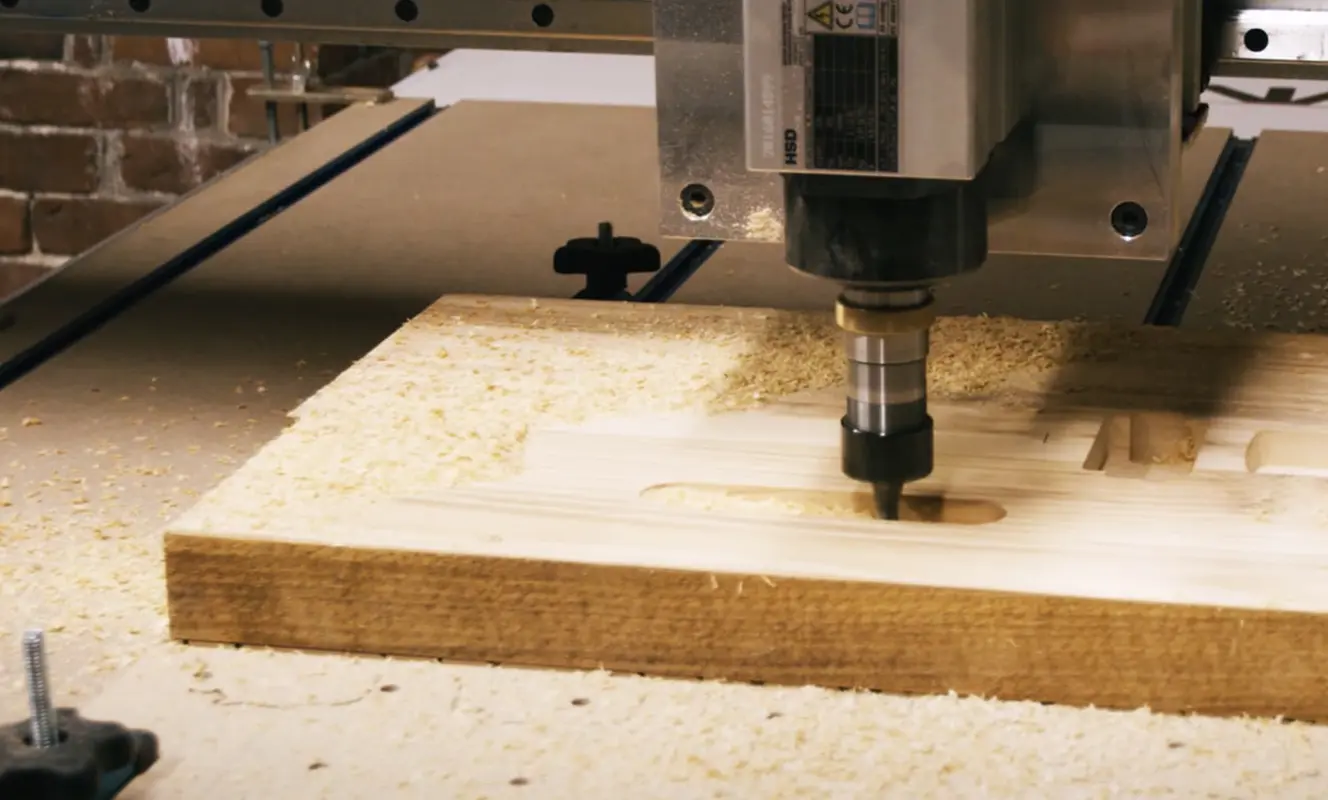
Speed, feed rate, and depth of cut must be balanced. Improper speed and feed settings on a CNC router are a major cause of poor edge quality.
Problems and adjustments:
| Problem | Adjustment |
|---|---|
| Wood burn marks | Reduce speed OR increase feed rate |
| Rough edges or burrs | Increase speed OR reduce feed rate |
| Acrylic melting | Reduce speed + Increase feed rate + Add cooling |
| Tool breakage | Reduce feed rate OR reduce depth of cut |
Core logic: Speed too high and feed too slow will cause burn marks and overheating. Speed too low and feed too fast may lead to rough edges or tool breakage.
Important tip: Pay attention to the chips as well. Fine dust means improper chip load – adjust feed rate or speed.
2.How to Find the Optimal Parameters
It is recommended to use the following systematic approach:
① Start with conservative parameters – choose medium speed, medium feed rate, and a shallow depth of cut.
② Run a test cut – observe edge quality and chip formation.
③ Change only one variable at a time – adjust the same parameter by 10-20% per test. Do not change multiple parameters simultaneously.
④ Observe chip formation:
- Fine dust → feed rate too slow or speed too high
- Large curled chips → parameters are good
- Harsh or rough sound → feed rate too fast or depth of cut too deep
⑤ Record the effective parameters – write down the best settings for each material and tool combination.
V. Depth of Cut Strategy: Why Use Multiple Passes
1.General Rules for Depth of Cut
Proper depth of cut settings on a CNC router can significantly improve edge quality. As a general rule, for machines with good rigidity, the depth of cut per pass should not exceed 1-1.5 times the tool diameter. The specific value varies depending on the material and machine rigidity.
Reference depth per pass (using a 6mm tool as an example):
| Material | Recommended Depth per Pass |
|---|---|
| Softwood | 3-4mm |
| Hardwood | 1.5-2mm |
| Acrylic | 0.5-1.0mm |
2.Three Benefits of Using Multiple Passes
Using multiple shallow passes improves edge quality in three ways:
- Chip evacuation: Deep cuts trap chips, which can be easily recut by the tool, reducing edge quality.
- Heat management: Each pass removes some of the cutting heat, preventing heat buildup.
- Tool rigidity: Shallow cuts reduce tool deflection, resulting in straighter side walls.
Ⅵ.Workholding and Vibration
1.Why Workholding Matters
When using a wood CNC router, the material fixing method directly affects cutting stability. Poor workholding is a common hidden cause of poor edge quality. If the material moves or vibrates during cutting, the tool cannot produce a clean edge.
Signs of workholding issues:
- Uneven edges or stepping (material lifted during cutting)
- Chatter marks along the edge
- Tool breakage (material shifted and pinched the tool)
2.Workholding Methods
| Workholding Method | Application | Notes |
|---|---|---|
| Vacuum table | Sheet goods, batch production | Requires sealed edges or a sacrificial layer |
| Double-sided tape | Small parts, thin materials | Apply to the entire surface, not just the edges |
| Clamps / T-slot | Thick materials, solid wood | Ensure clamps are tight and not in the tool path |
| Screws | One-off parts, any material | Screw into waste board outside the part boundary |
3.Machine Maintenance
Poor machine maintenance leads to vibration, which destroys edge quality. If the linear rails are not properly lubricated, wear increases on the drive system, leading to more tool vibration. Regular maintenance keeps the machine in good condition and improves cut quality.
Regular inspection items:
- Keep linear rails and ball screws clean and lubricated
- Check for backlash in the drive system
- Ensure spindle bearings are in good condition
- Verify the machine is level and square
Ⅷ. Material-Specific Tips
Processing strategies for a CNC router vary depending on the material.
1.Solid Wood

- Check grain direction before cutting: Cutting with the grain is cleaner than cutting across the grain
- Use climb milling for finishing: Reduces chipping when cutting across the grain
- Tool sharpness is critical: A dull tool tears wood fibers instead of cutting them
- Use climb milling for hard materials: Aluminum, solid wood, and hard plastics typically achieve the best surface quality with climb milling
2.MDF and Plywood
- Choose wear-resistant tools: MDF and plywood wear down tools quickly. Carbide tools are recommended as they are the foundation for achieving smooth edges.
- Prefer conventional milling: When processing these engineered woods, conventional milling generally produces smoother edges and reduces temperature rise on the tool.
- Test both directions: Some users report that climb milling works well in certain applications. It is recommended to adjust based on actual results.
- Pay attention to dust collection: MDF dust is extremely fine and contains resin binders. It is abrasive and can be irritating. Always turn on the dust collection system when machining.
3.Acrylic and Plywood
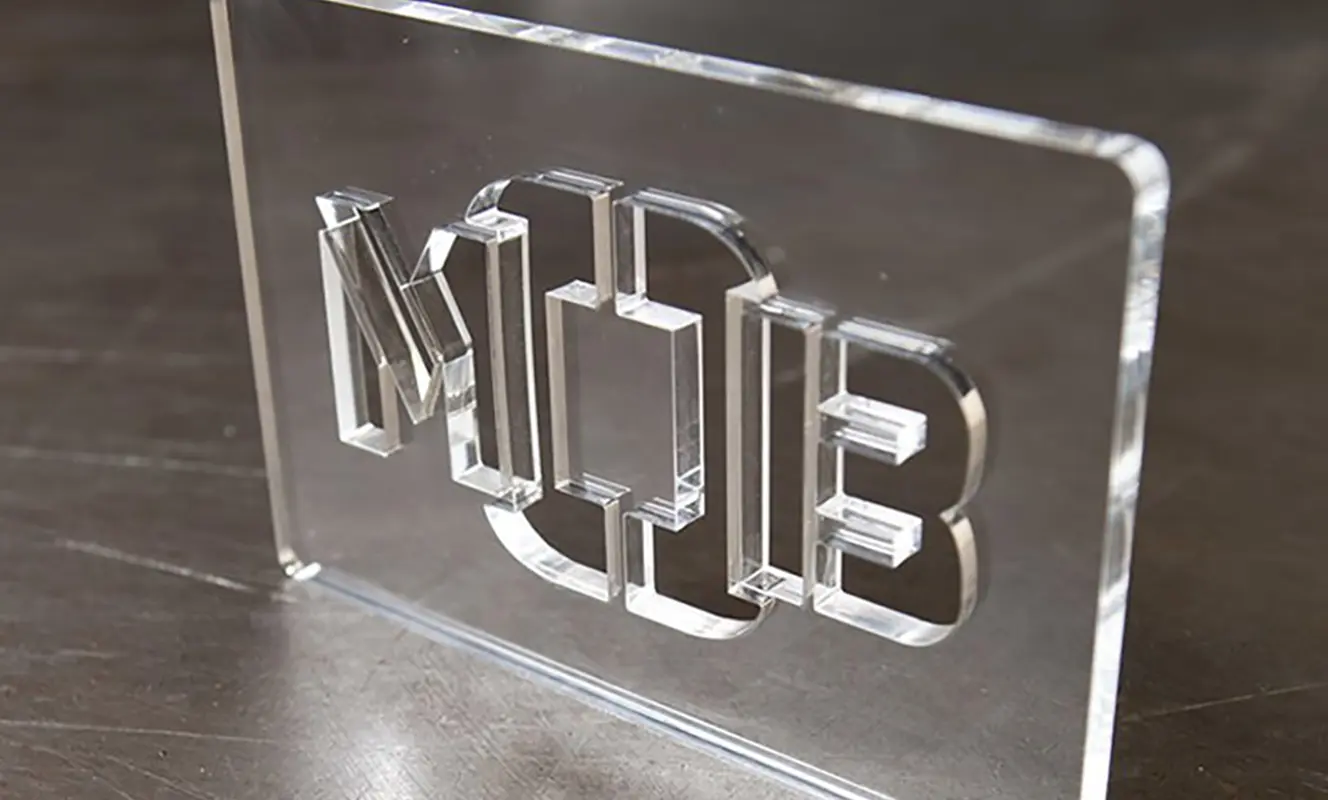
- Use single-flute tools: When machining acrylic, single-flute spiral tools are recommended. Their large chip evacuation grooves allow smooth chip removal, significantly reducing heat buildup and preventing material melting.
- Add cooling: Using air cooling directed at the cutting point during machining is highly effective and is a key measure to prevent melting.
- Use low spindle speed with high feed rate: A lower speed combined with a faster feed rate effectively reduces frictional heat.
- Keep a shallow depth of cut: Multiple shallow passes are far better than one deep pass. This effectively controls heat and allows chips to be evacuated in time.
- Observe chip formation: Pay attention to the chips during machining. Fine dust indicates incorrect parameters. Continuous stringy or fragmented chips indicate good parameter settings.
Ⅷ.FAQ
Q1: Why do I still get burn marks even with a new, sharp tool?
Burn marks usually mean overheating. Try reducing the spindle speed or increasing the feed rate. Also check whether the depth of cut is too deep.
Q2: My acrylic edges are melting. What went wrong?
Many CNC router users experience melting when machining acrylic. The solutions include reducing spindle speed, increasing feed rate, adding air cooling, switching to a single-flute tool, and using a shallower depth of cut. These measures effectively reduce frictional heat and prevent melting.
Q3: Why does edge quality vary on different parts of the same workpiece?
There are usually three reasons. First, grain direction – when machining solid wood, cutting with the grain is smoother than cutting across the grain. Second, whether the material moves during machining – poor workholding leads to uneven cutting. Third, whether the machine backlash is excessive – too much backlash can cause uneven edges in certain areas. It is recommended to check these three aspects one by one.
Q4: What tool should I use for fuzzy edges on MDF?
Carbide spiral tools are recommended. The edge design of this type of tool helps hold down the fibers, reducing fuzzing on both the top and bottom surfaces. At the same time, using conventional milling can also effectively improve edge quality.
Q5: Should I always use climb milling?
Not necessarily. While climb milling generally produces better surface quality, conventional milling has advantages in certain situations. For example, when machine rigidity is poor, conventional milling is less likely to cause workpiece movement. When machining laminated materials, conventional milling reduces edge chipping. Additionally, conventional milling sometimes provides longer tool life. It is recommended to choose based on your equipment and material.
Ⅸ. Conclusion
Mastering the cutting techniques of a CNC router requires a comprehensive approach across five dimensions: tool selection, cutting direction, speed and feed parameters, depth of cut, and workholding. The methods covered in this article apply to most CNC routers, including wood CNC routers, sign-making CNC routers, plastic processing CNC routers, and more. It is recommended that you run multiple test cuts in your actual work to gradually find the optimal parameter combination for your specific machine. Make the most of your CNC router equipment and achieve clean, precise cuts every time.
RELATED MODELS
We recommend some related models for you...
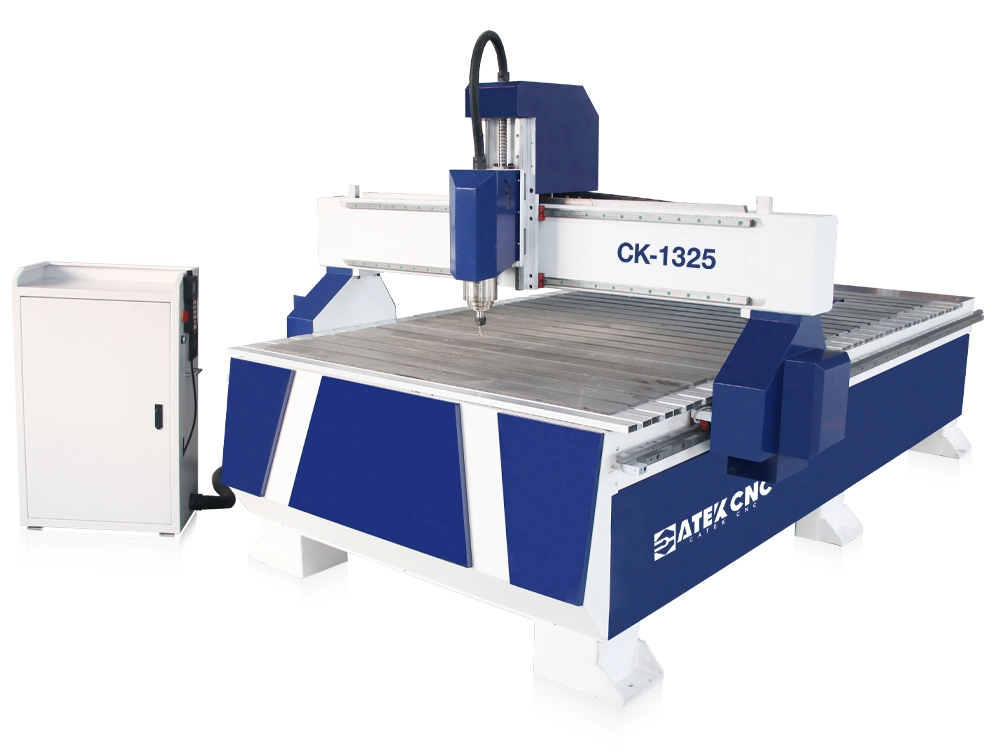
The CK-1325 is a standard-sized CNC router featuring simple operation and affordable pricing, making it ideal for small furniture manufacturing workshops, personal studios, and hobbyists. It is widely used for various processing techniques on solid wood, plywood, and MDF materials, including engraving, cutting, milling, drilling, and grooving of wave boards, doors/windows, cabinets, tables/chairs, and signage letters.
$2,570.00~$5,370.00
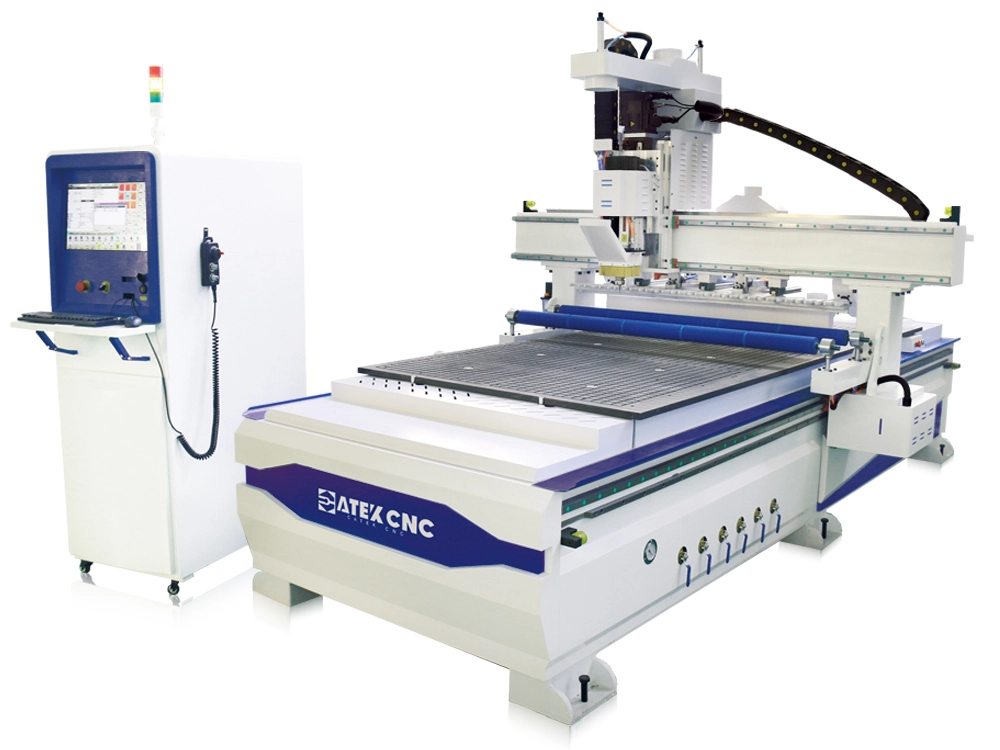
CNC routers equipped with automatic tool changers are referred to as CNC ATC routers. This machine features a linear 8/12/16-position tool magazine that automatically switches tools based on machining requirements. It comes standard with a vacuum adsorption table and automatic tool setting device, making it particularly suitable for processing tasks such as nesting, cutting, drilling, grooving, engraving, and milling of wardrobes, cabinets, and office furniture.
$8,285.00~$9,700.00
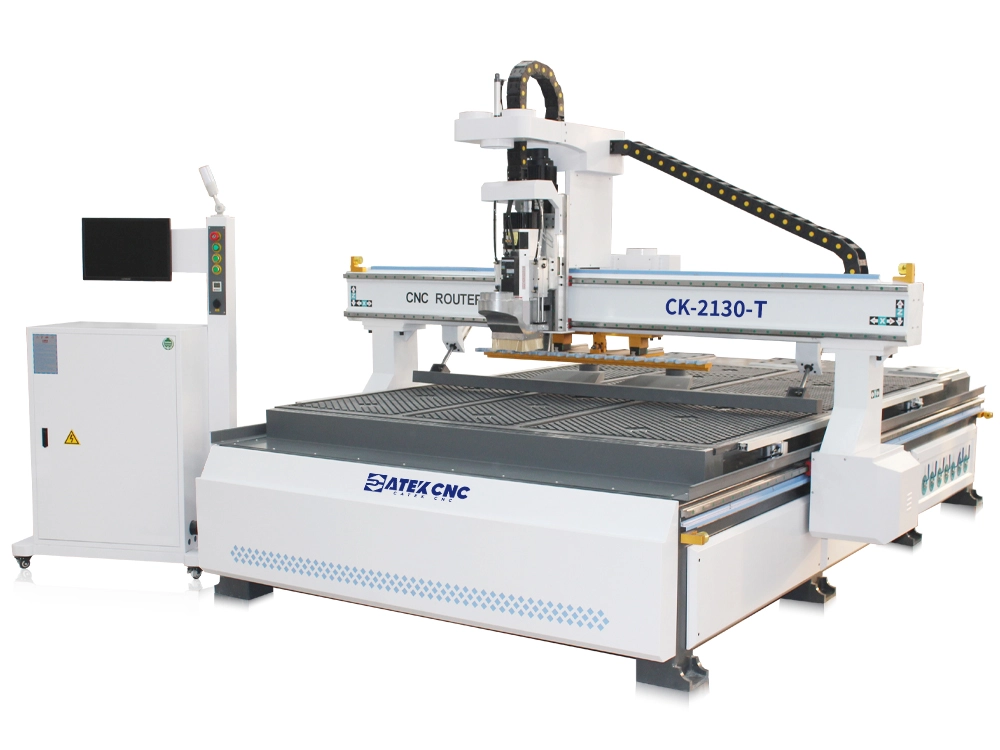
The 7x10ft ATC CNC router is a machine equipped with an oversized worktable, featuring a maximum processing size of 2100*3000mm. Capable of handling full-size panels, it comes standard with a vacuum adsorption worktable, HSD automatic tool-changing spindle, and linear tool magazine to meet diverse panel processing requirements across various dimensions.
$11,800.00~$16,800.00
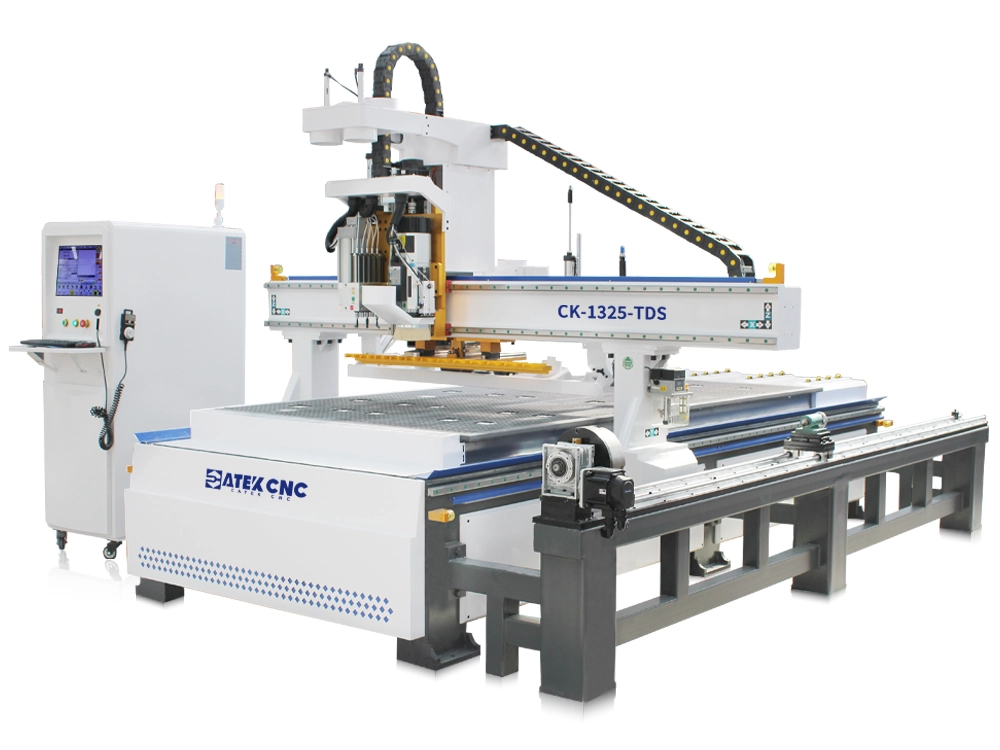
This CNC nesting machine is specifically developed for whole-house customized panel furniture production. It incorporates all functionalities of a linear ATC CNC router and is equipped with a 5+4 pneumatic drilling bank that can mount 9 different drill bits simultaneously, capable of completing 99% of drilling tasks, making it particularly suitable for manufacturing panel furniture like wardrobes and cabinets. Additionally, it features a 3D rotary fourth axis for processing 3D products such as E...
$13,800.00~$17,500.00
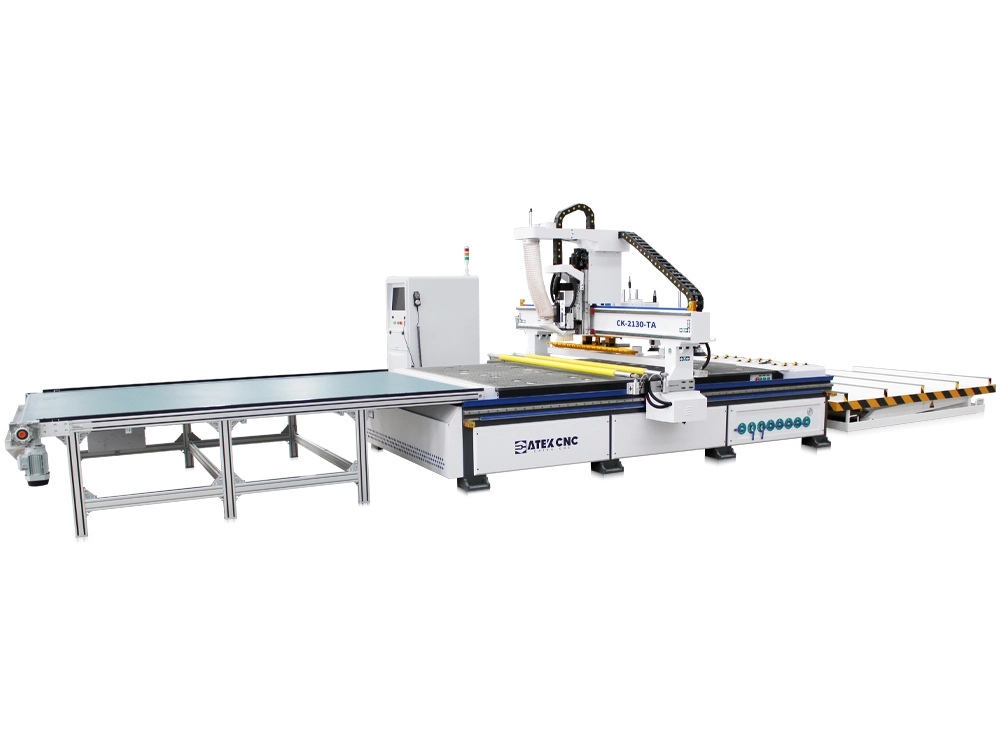
This router is equipped with a large-sized workbench, with a maximum processing size of 2100*3000mm (7x10 feet). It comes standard with a 9-zone 30-hole vacuum adsorption workbench, an HSD automatic tool change spindle, a linear tool change magazine, two pneumatic pressure roller, and a fully automatic loading and unloading platform, capable of meeting the fully automated processing needs of large-sized panels.
$14,800.00~$19,800.00
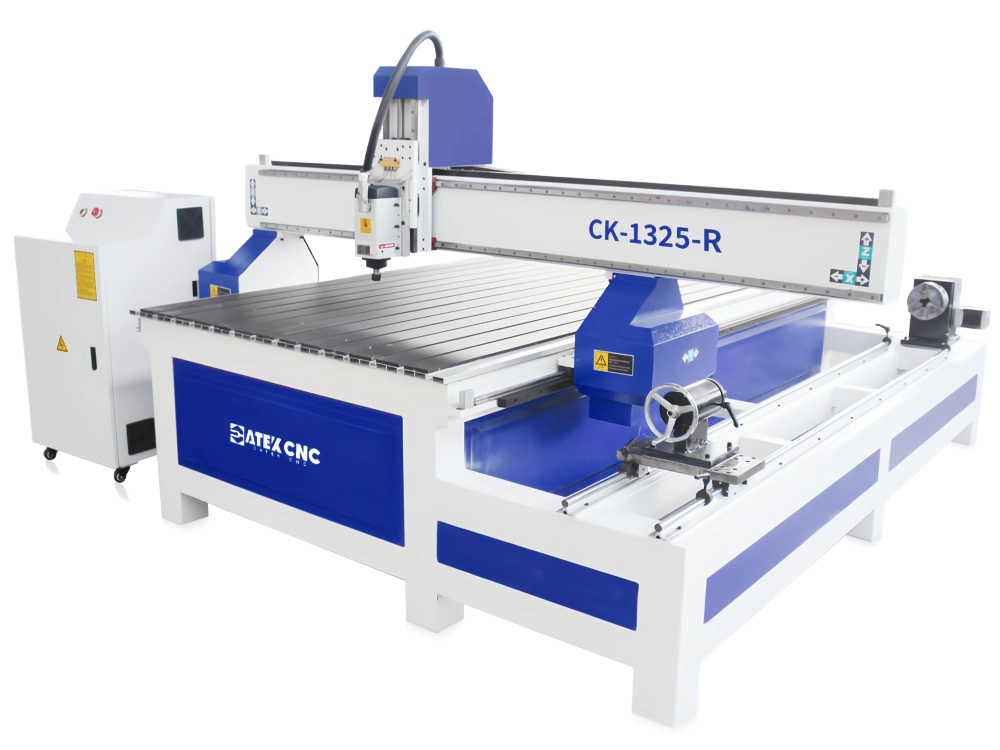
The machine features a 4x8ft worktable specifically designed for sheet material machining, along with a rotary 4th axis for clamping and rotating workpieces. This dual-functionality enables both planar engraving and 3D carving operations. Serving dual purposes with a single machine not only reduces procurement costs and floor space requirements but also lowers subsequent maintenance expenses. If your operations require both flat-surface processing and 3D machining, this equipment deserves your s...
$4,000.00~$5,570.00
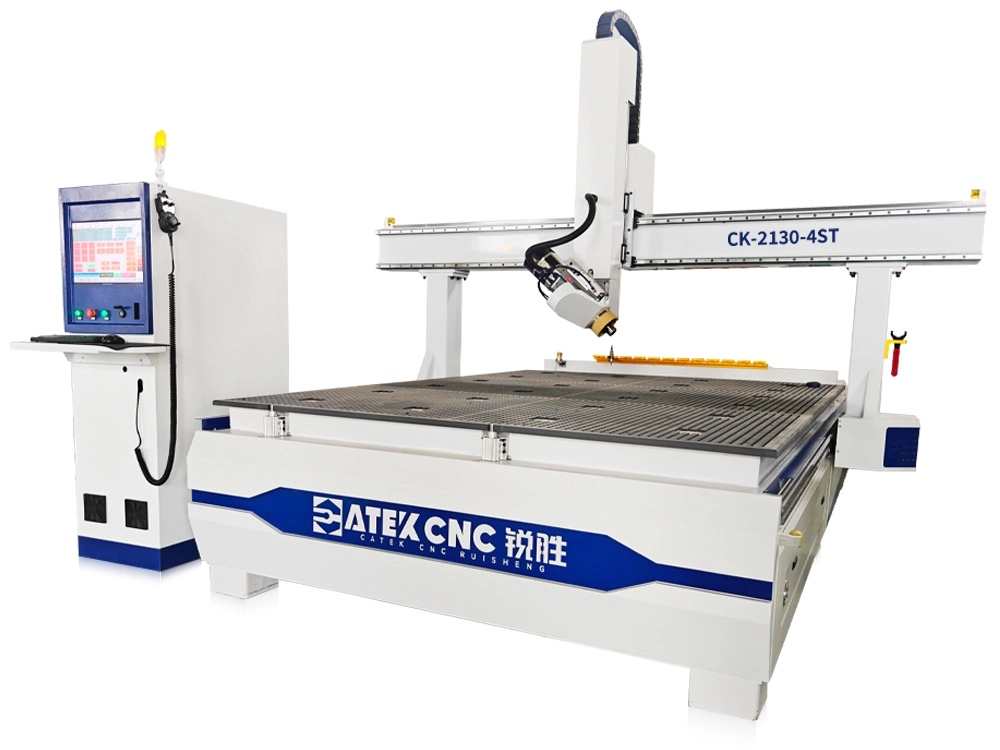
This is a typical four-axis CNC router, which adds a rotary device to the traditional three-axis router. This device allows the spindle to rotate ±90 degrees around its top endpoint on the X-Z plane, enabling the spindle to perform tilt machining on the workpiece. Combined with the movement of the Z-axis, the spindle can follow curved paths, making it capable of machining curved surfaces. When rotated to the maximum 90 degrees (spindle horizontal), it can drill or mill the sides of the workpiec...
$11,600.00~$15,900.00
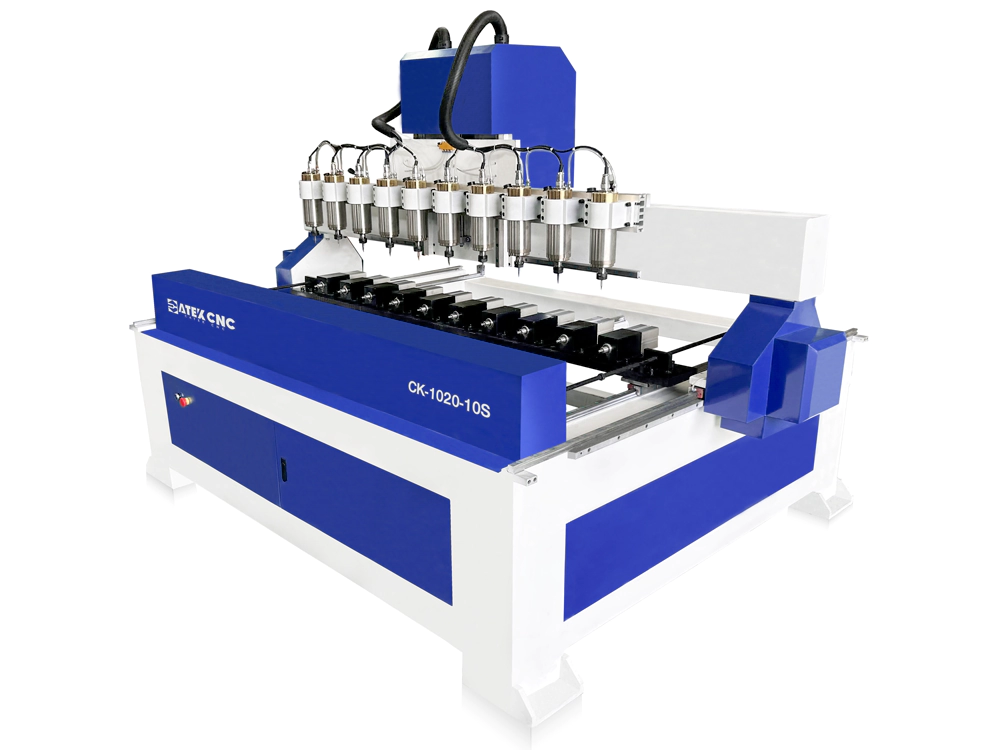
This is a multi-head CNC router that can perform 3D carving. The drive center clamps the cylindrical workpiece and rotates it. The drive center is controlled by the CNC system to rotate to a specified angle and cooperates with the engraving spindle above to complete the processing. Because it has multiple stations that can be processed simultaneously, it is very suitable for large factories to engrave and mill cylindrical workpieces, such as small sculptures, Buddha statues, and various table an...
$10,300.00~$13,900.00
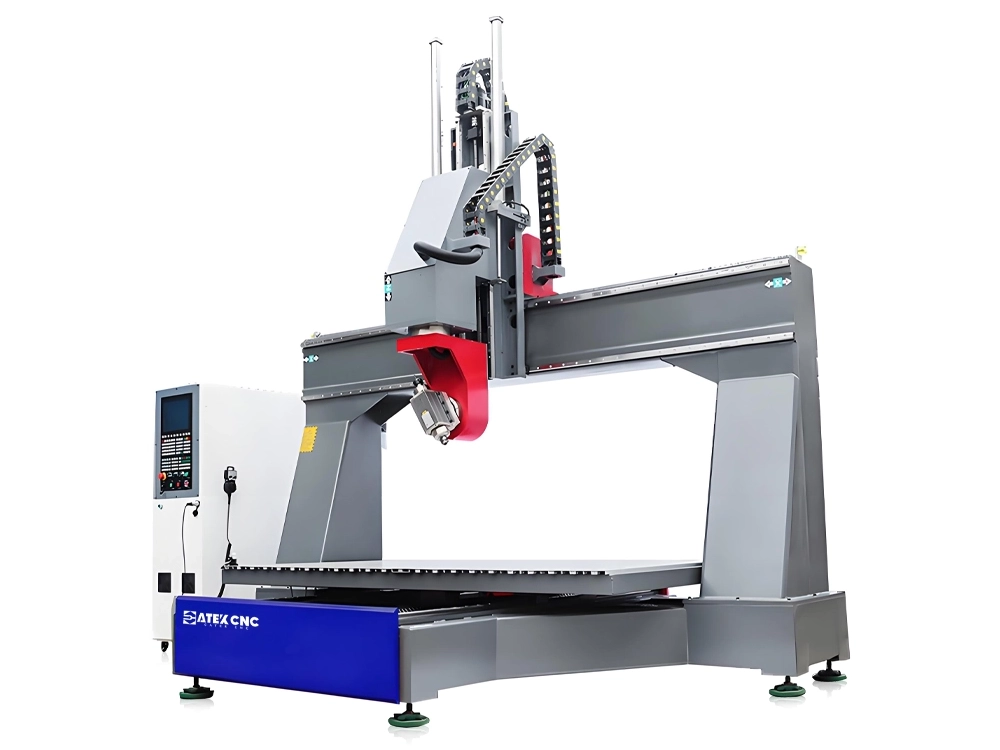
This is a five-axis CNC router with a movable worktable. The transverse slide can move along the X-axis, the worktable can move along the Y-axis, and the spindle moves along the Z-axis, equipped with A and C rotary axes to achieve five-axis linkage. This equipment is suitable for complex 3D carving of intricate curved surfaces on three-dimensional workpieces and is widely used in industries such as furniture manufacturing and mold production. It can machine various complex-shaped components, inc...
$37,000.00~$65,000.00